How to Back Up and Restore Muntrie With a File
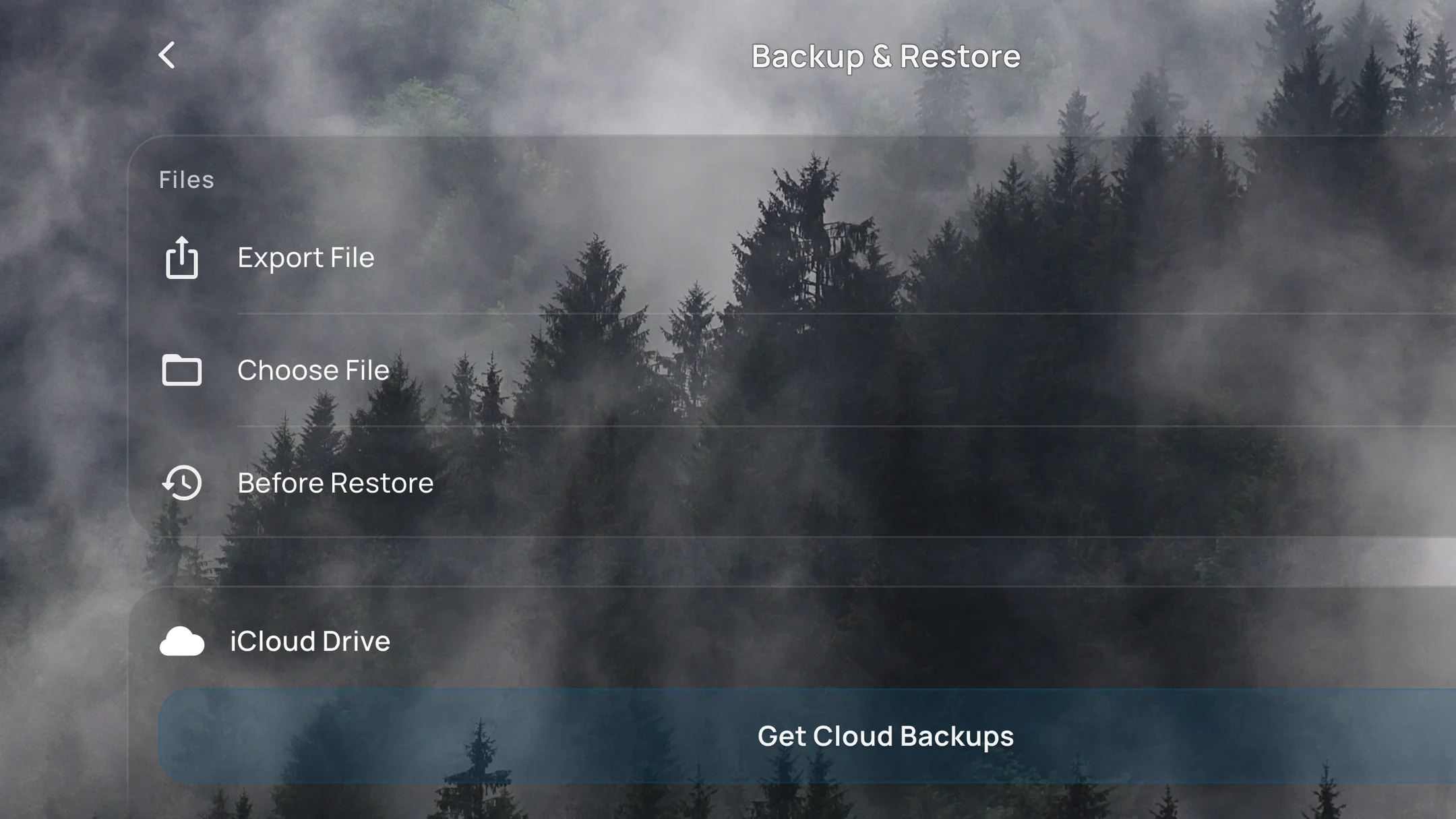
Create a .muntrie backup, move included records to another device, and understand restore protection and media exclusions.
Read articlePractical, evidence-aware guides for using timers, sound, and workspace rituals with less friction. Use Muntrie to combine a focus timer, ambient sound, and a personal workspace in one place.
Create a .muntrie backup, move included records to another device, and understand restore protection and media exclusions.
Read articleConnect your own Google account, create a manual Muntrie backup, and restore a selected snapshot on Android.
Read articleFetch, create, and restore manual Muntrie backups with your iCloud account, including what a pending upload means.
Read articleView and control Muntrie focus sessions through supported Android notifications and iPhone Live Activities.
Read articleExport readable spreadsheet records with imported media, understand the difference from a backup, and manage local data removal.
Read articleUse categories, Today, and due dates to build a daily task plan without confusing a planned workday with a deadline.
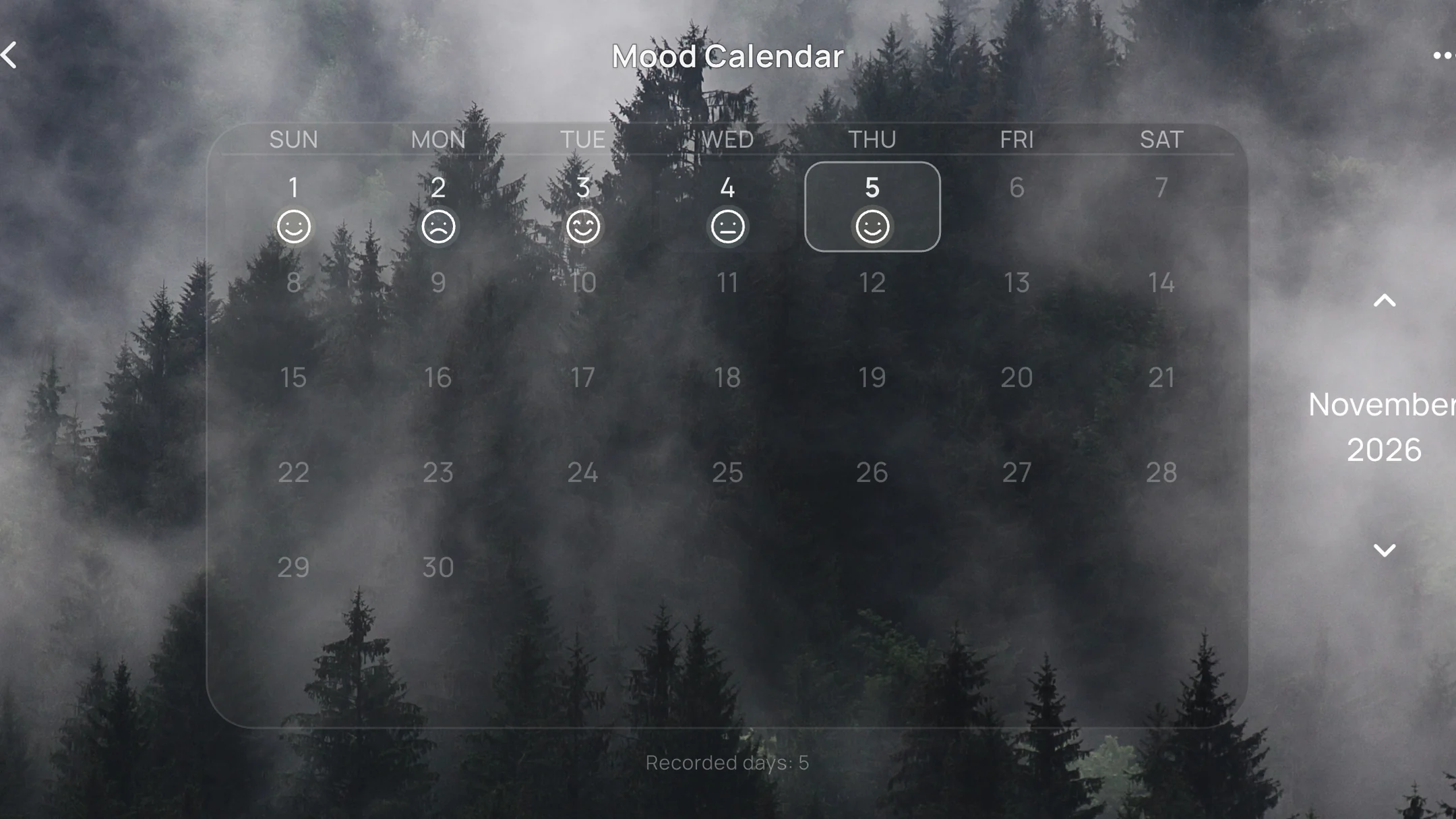
Read articleRecord a daily mood, browse and edit past dates in the calendar, and share a month without interpreting missing days as a mood.
Read articleSet daily, weekly, monthly, or yearly tasks. Learn when the next occurrence is created and what happens when dates are missed.
Read articleSet a task reminder, check notification permissions, test background delivery, and use View Task or a ten-minute snooze.
Read articleConnect a task to a focus session, review the recorded time, and decide separately whether the task is complete.
Read articleAdd Home Screen widgets for daily mood and tasks, use quick entry points, and understand platform and refresh differences.
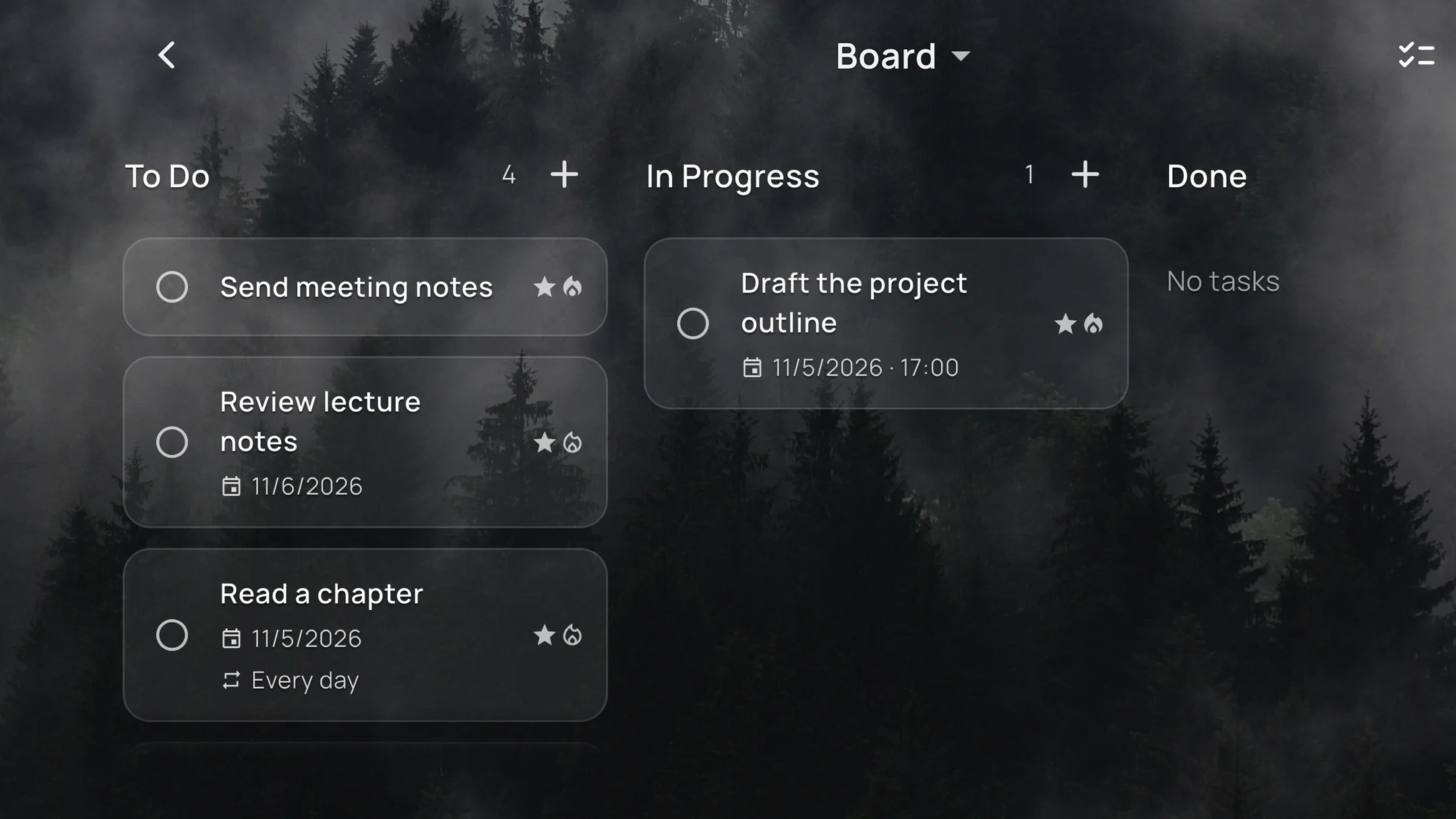
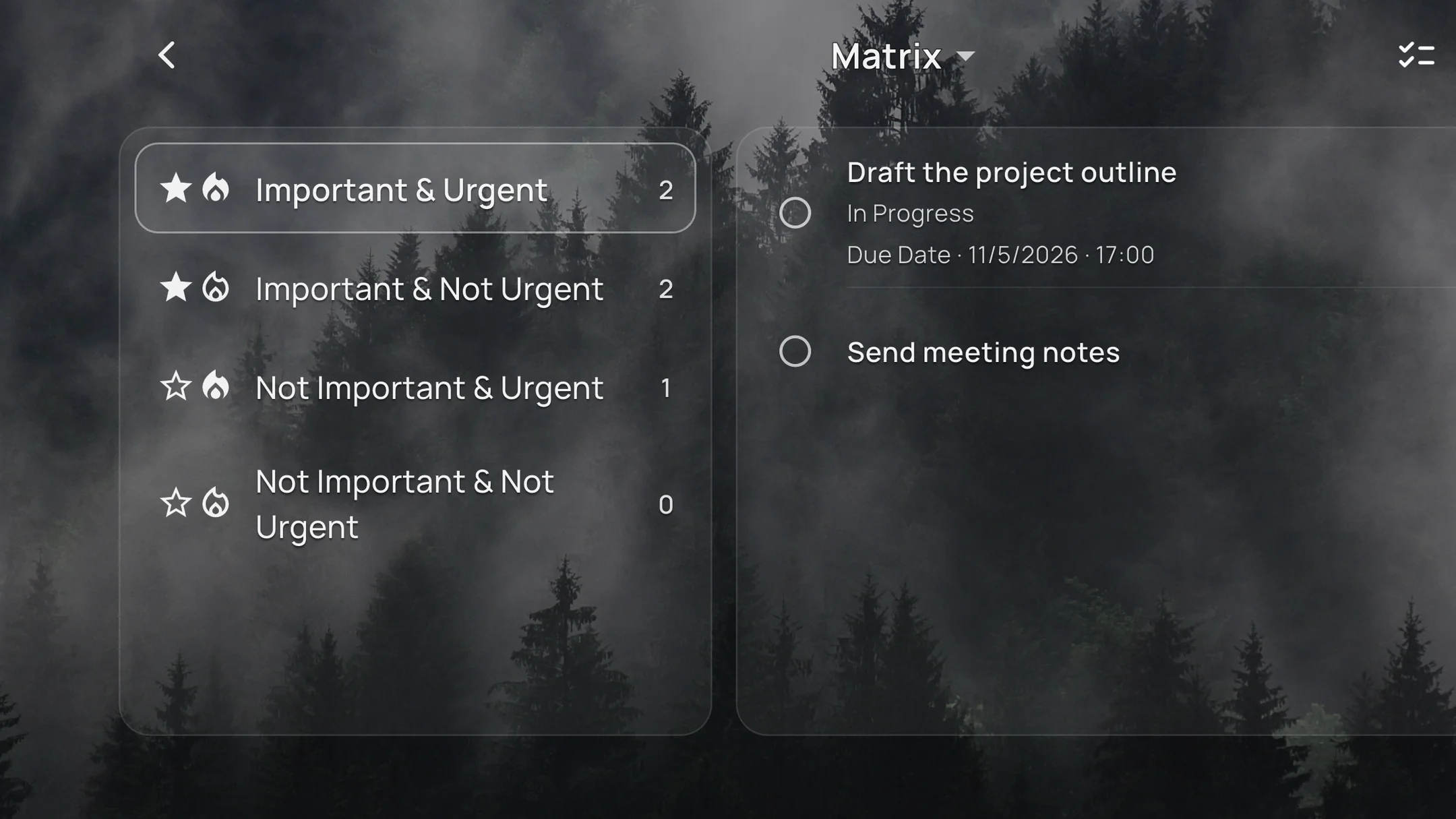
Read articleChoose a task view for everyday lists, workflow, or priorities. Switch between List, Board, and Matrix while keeping the same tasks.
Read articleImprove concentration in a noisy home, office, or shared space with task choices, communication, sound masking, and shorter protected blocks.
Read articleBuild a short focus ritual that prepares the workspace, defines one task, and starts work without becoming an elaborate form of procrastination.
Read articleRecover from interruptions by capturing context, restoring the workspace, choosing the smallest next action, and restarting with a short focus block.
Read articleReduce digital distractions with notification rules, cleaner browser sessions, physical phone distance, and scheduled communication windows.
Read articleReduce task switching by choosing one outcome, creating an interruption list, limiting open tools, and using a clear session boundary.
Read articleUse a short shutdown routine to capture progress, define the next action, and stop work without making the next session difficult to restart.
Read articleUse a four-quadrant priority matrix to separate urgent work, important long-term work, delegable tasks, and low-value activity.
Read articleBuild a beginner-friendly deep work routine with one priority, a protected block, a simple start ritual, and a short review.
Read articleChoose between countdown and count-up timing based on whether you need a deadline, a protected block, or an honest record of elapsed work time.
Read articleUse time blocking to assign important work a realistic place in the day while protecting breaks, transitions, and unexpected tasks.
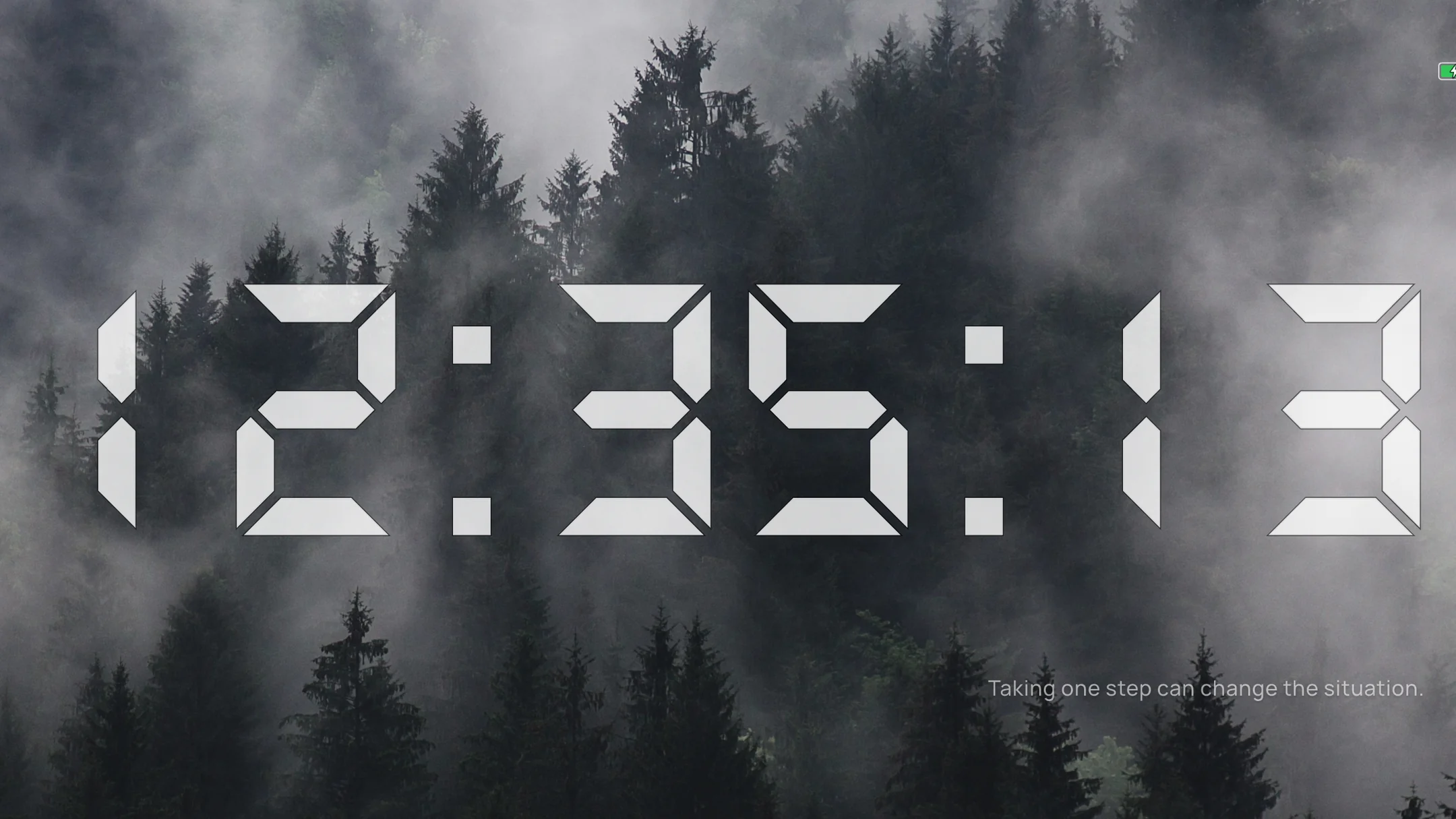
Read articleSet up a full-screen clock in Muntrie, choose when to use a countdown instead, and keep the display from becoming another distraction.
Read articleBuild a functional study setup in a bedroom, shared room, or small apartment using portable storage, clear zones, and fast reset routines.
Read articleImprove a study space with practical lighting choices that reduce glare, keep materials readable, and support a comfortable work routine.
Read articleCreate a calm desk setup with clear zones, restrained visuals, useful lighting, prepared supplies, and fewer digital distractions.
Read articleCreate a practical study environment by controlling visible clutter, notifications, lighting, sound, supplies, and start-and-stop routines.
Read articleCreate a realistic weekly study plan by identifying outcomes, estimating focused blocks, protecting recovery, and leaving room for change.
Read articleCompare active recall and rereading, then organize a study block that uses review for orientation and retrieval practice for checking understanding.
Read articleStart studying without waiting for motivation by shrinking the first task, preparing the environment, and using a short commitment you can repeat.
Read articleChoose a study-session length based on task difficulty, energy, and available time instead of forcing every subject into the same schedule.
Read articleReduce phone, household, and digital distractions with a repeatable home-study setup, clear goals, and manageable time blocks.
Read articleUse forest ambience for reading and writing by balancing birds, wind, and streams so natural variation remains calming rather than distracting.
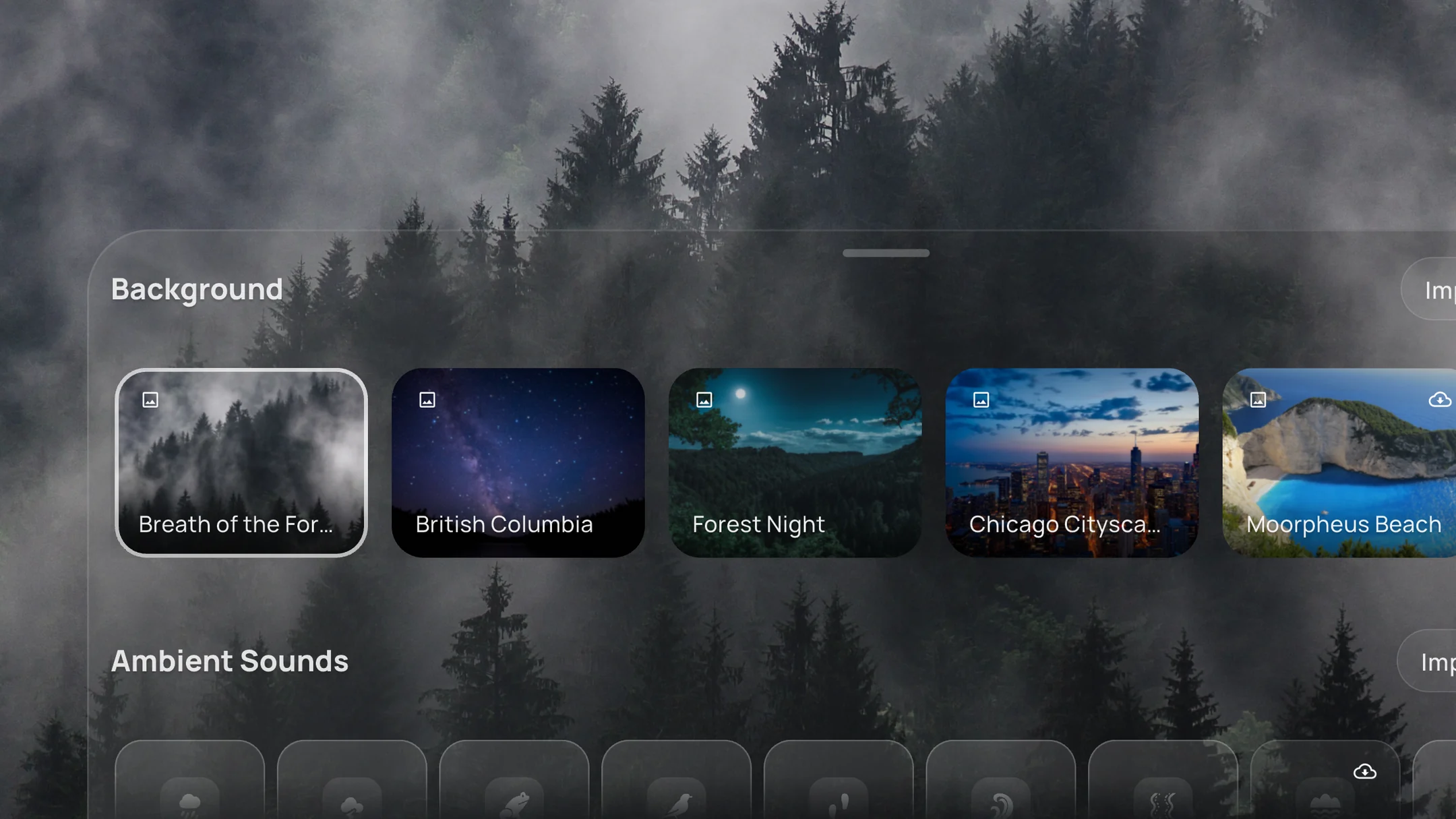
Read articleBuild three simple ambient sound setups in Muntrie, adjust each layer, and return to a recent atmosphere before your next session.
Read articleUse café ambience at home without letting conversations or constant sound changes distract from writing, planning, and routine work.
Read articleCompare rain and white noise with a repeatable study routine, understand the evidence limits, and choose a background that suits your work.
Read articleChoose rain, forest, or other ambient sounds for one task, set up a repeatable mix in Muntrie, and download resources for offline sessions.
Read articlePlan a realistic number of Pomodoro sessions based on task difficulty, available time, and recovery instead of chasing an arbitrary daily total.
Read articleLearn how to use short and long study breaks to restore attention without losing momentum or turning a five-minute pause into an hour.
Read articleChoose a Pomodoro session length that matches your task, attention, and energy, from short 15-minute starts to longer deep-work intervals.
Read articleCompare Pomodoro timers, regular countdown timers, and count-up timers to choose the best structure for studying, deep work, and everyday tasks.
Read articleLearn how to use the Pomodoro Technique for studying, choose the right session length, plan effective breaks, and build a repeatable study routine.
Read articleNo published articles match this topic yet.
Muntrie
Use Muntrie to combine a focus timer, ambient sound, and a personal workspace in one place. See how Pomodoro and ambient sound work together