How to Set Up Recurring Tasks in Muntrie
Set daily, weekly, monthly, or yearly tasks. Learn when the next occurrence is created and what happens when dates are missed.
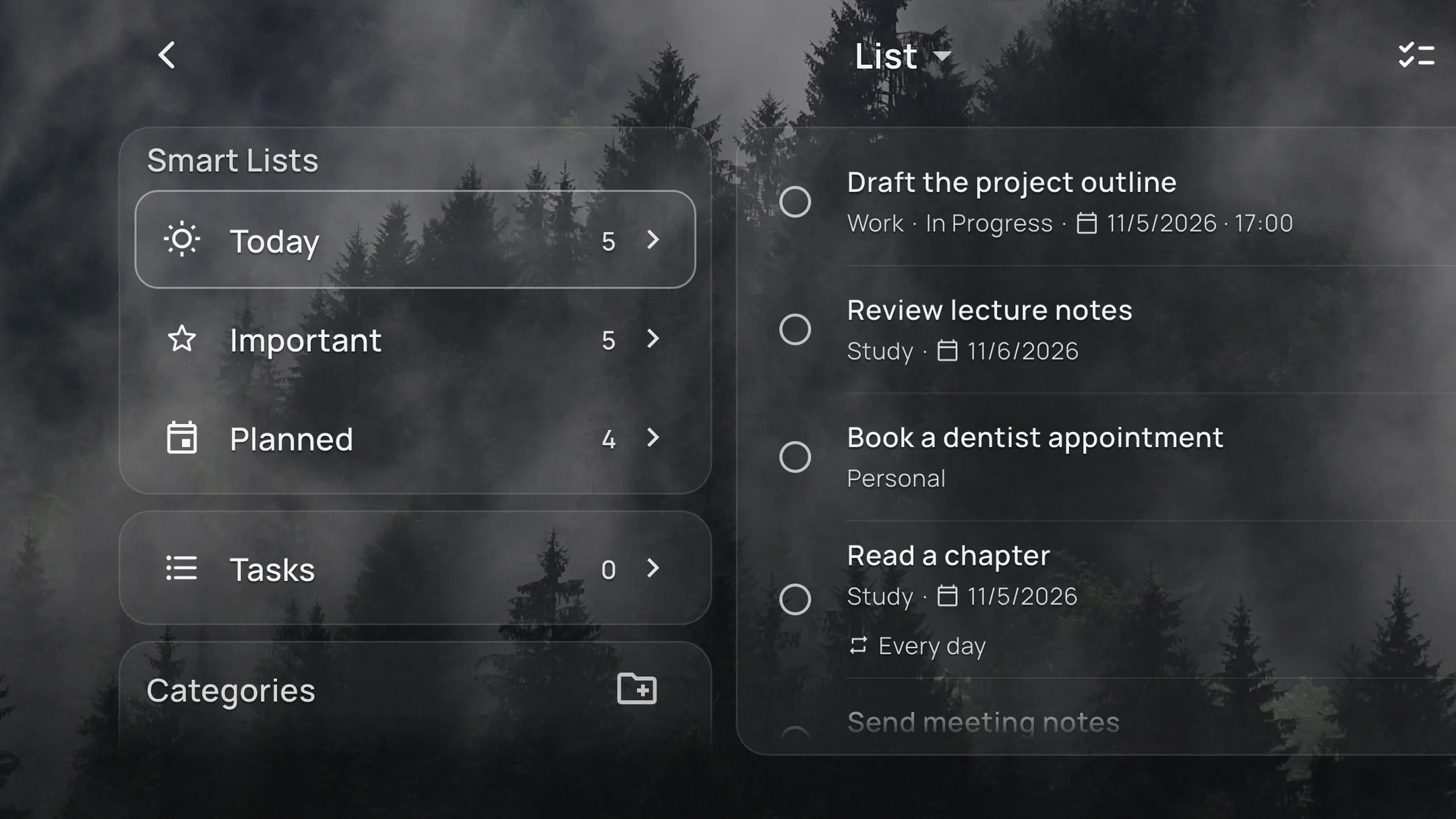
Recurring tasks are useful for activities you finish repeatedly: a weekly review, regular study, or a monthly household check. In Muntrie, completing an occurrence creates the next one. Simply opening the app does not fill the list with every missed date.
Set the first due date and repeat rule
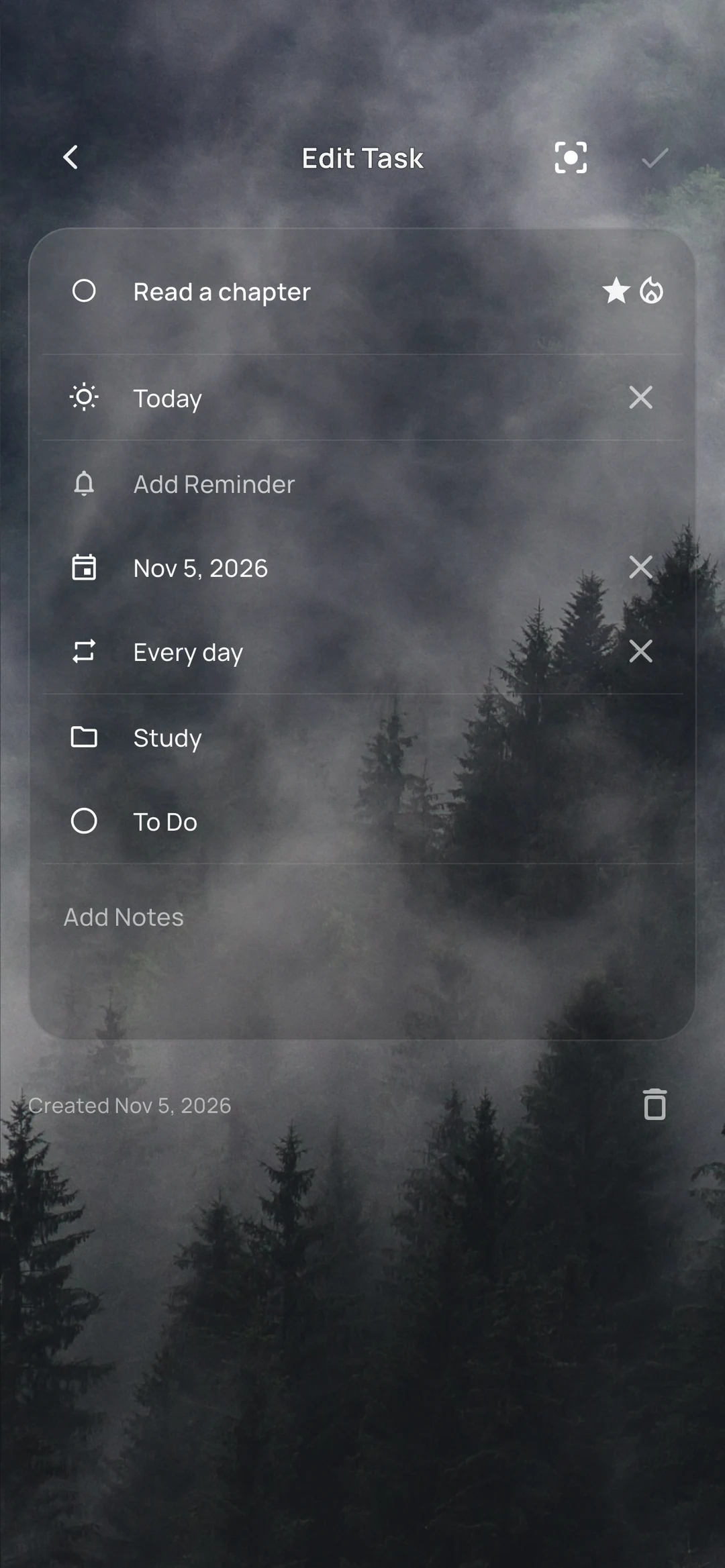
- Create a task or open an existing one.
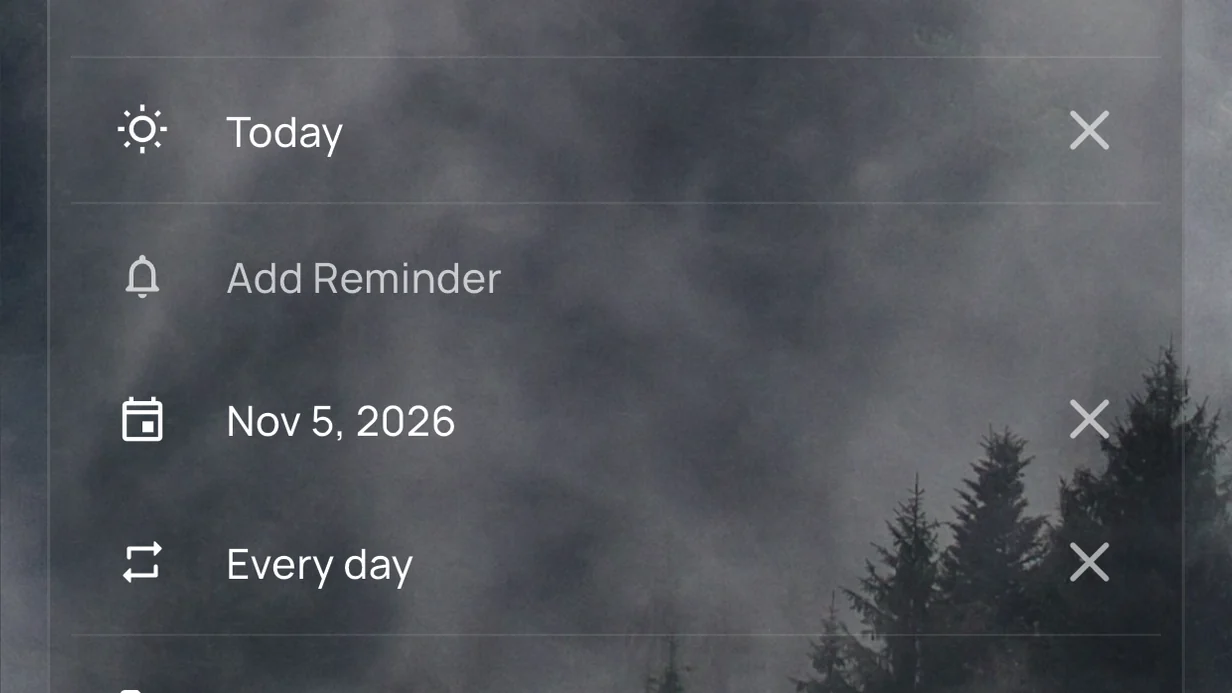
- Open its date controls and choose Repeat.
- Set the First Due Date if the task does not already have a due date.
- Choose days, weeks, months, or years and the interval.
- For a weekly rule, select at least one weekday, then save the task.
The interval is a whole number from 1 to 999. For example, an interval of two weeks is different from choosing two weekdays in a weekly pattern. Check both choices before saving.
Complete the current occurrence
When you finish the task, mark it complete. Muntrie keeps that occurrence in completed history and creates a new unfinished task for the next eligible date.
The next occurrence carries the task's title, notes, category, priority, repeat rule, and relevant date and reminder choices. Your manual Today plan does not automatically carry over. Review the next task if the work itself has changed.
Understand skipped dates
If a weekly task is completed late, the next date is later than both its current due date and the local day on which you finish it. Elapsed occurrences are skipped rather than generated as a backlog.
Monthly and yearly patterns retain their original calendar anchor, including month-end and leap-year handling. Check the displayed next date when a particular day is important; do not treat a monthly rule as a fixed number of hours.
Change or stop repetition
Open the current unfinished task to adjust its rule. Choosing a new due date resets the calendar anchor. Stopping repetition keeps the current task and its date; clearing its due date also removes the repeat rule.
Undoing a completion can be refused if the generated next task has already been changed or used. This protects work you have added to that next occurrence.
Frequently Asked Questions
Does an overdue repeating task create many missed copies?
No. Completing it creates the next eligible occurrence and skips elapsed dates.
Does a repeat rule also create a reminder?
Repetition and reminder time are separate choices. Configure a reminder when you need one; system delivery still depends on device settings.
Can I repeat a task without a due date?
No. Choose the first due date so the rule has a calendar anchor.
Sources and limits
The calendar standard provides background terminology. The completion-based behaviour described above is specific to Muntrie.