How to Set Task Reminders in Muntrie
Set a task reminder, check notification permissions, test background delivery, and use View Task or a ten-minute snooze.
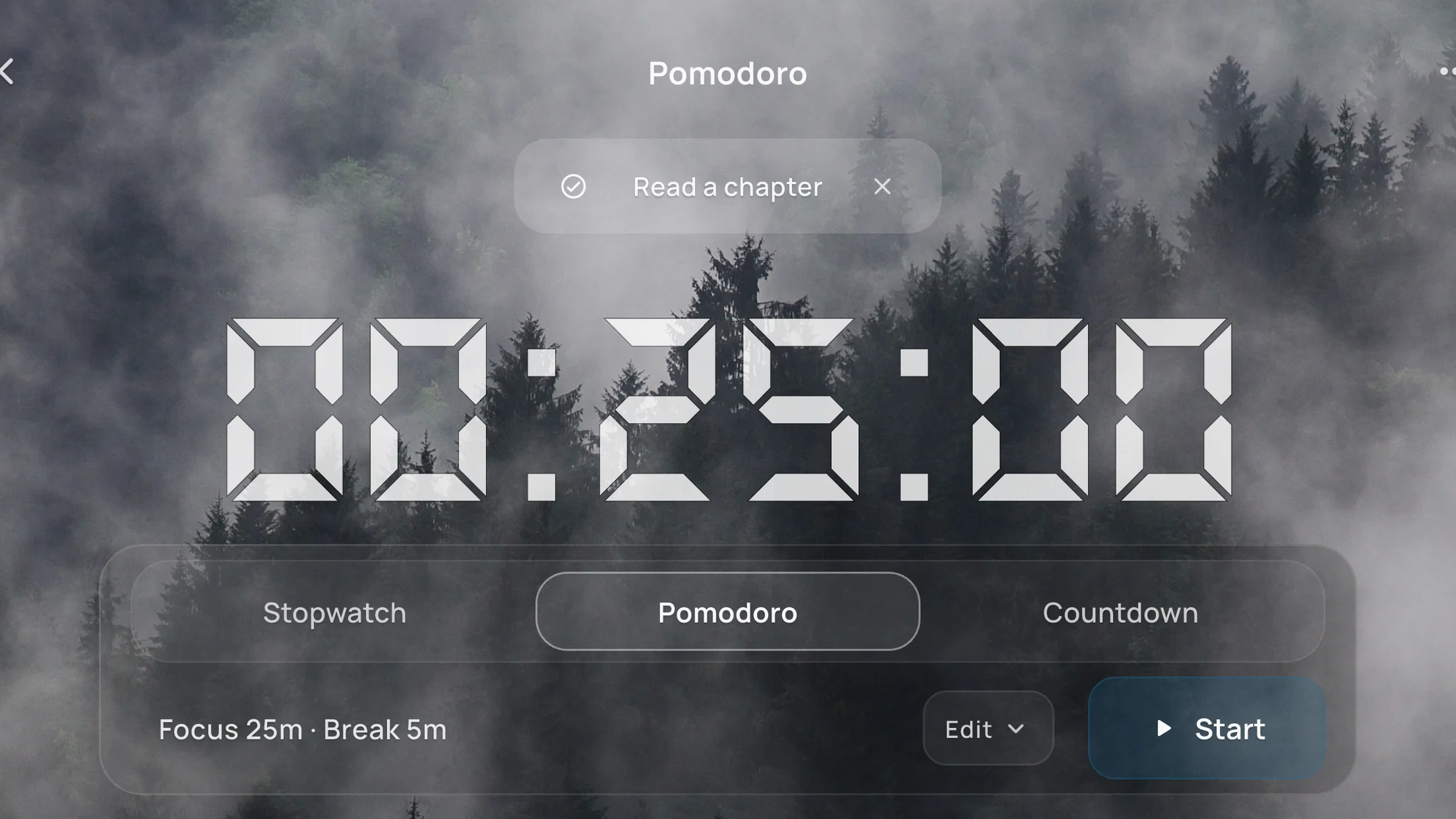
A task reminder helps you return to a task at a chosen time. It is separate from the task's deadline and from a focus timer ending.
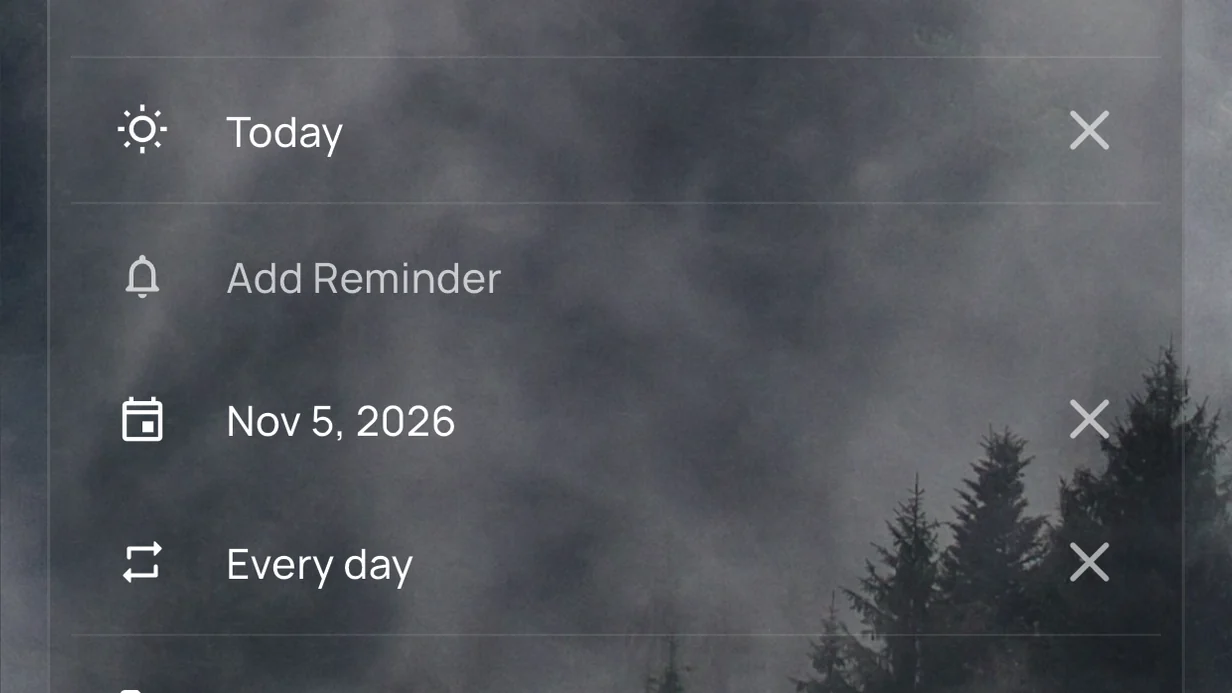
Set one reminder time
- Open a task in Tasks.
- Open Dates & Reminder or choose Add Reminder.
- Choose a future date and time, then save.
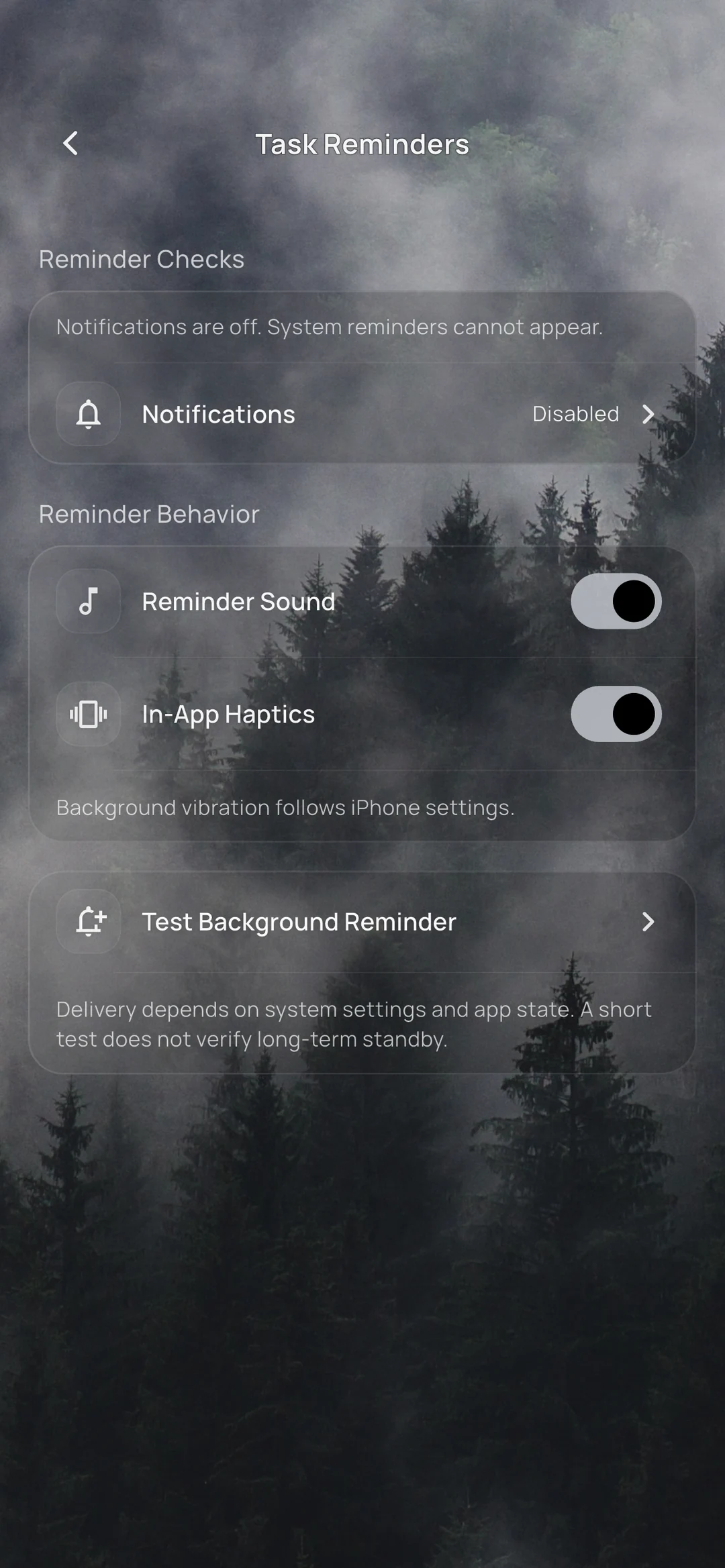
- Read any permission or reminder-status message before relying on the notification.
A task can be saved even if its reminder is not active. When notifications are disabled, the app tells you rather than treating a successful task save as proof that an alert will appear.
Choose sound and haptic behaviour
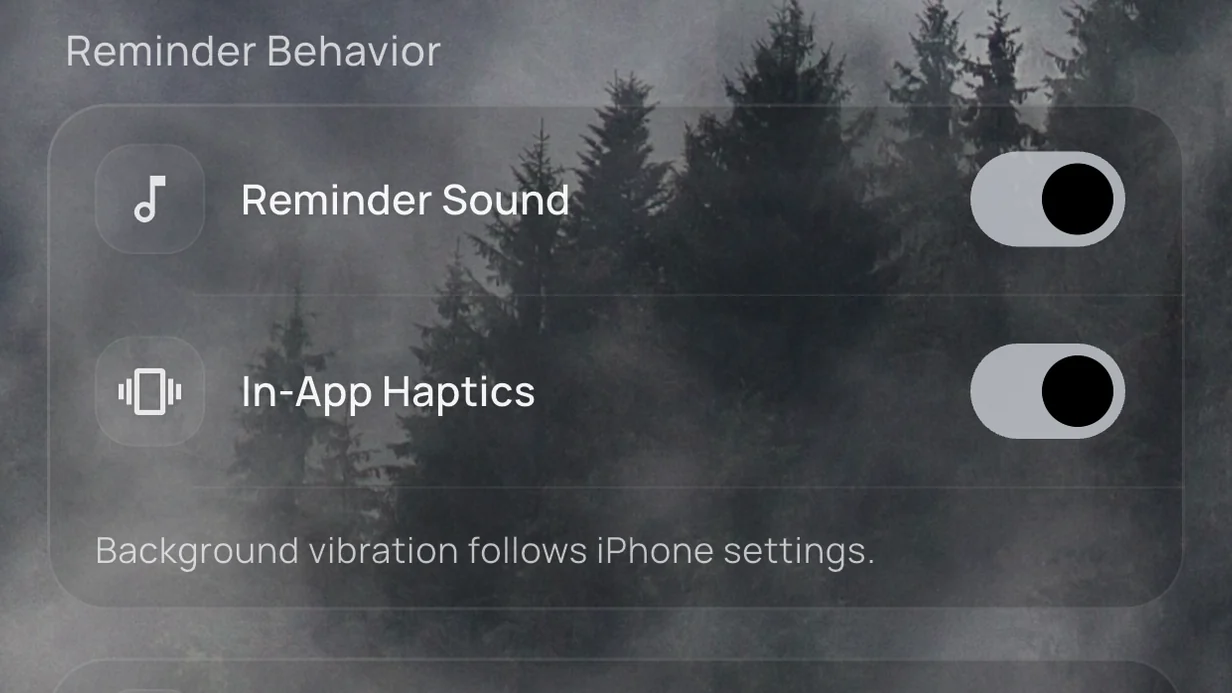
Open Task Reminders in Settings. Review the Reminder Sound and In-App Haptics switches. In-app haptics control feedback inside Muntrie; system notification sound and vibration also depend on the operating system.
These choices do not override the phone's sound mode, Focus or Do Not Disturb settings, notification settings, or system restrictions. Android may also require exact-reminder access for precise scheduling. Use the app's checks to see what needs attention.
Test the background path
Use Test Background Reminder in the reminder settings and follow its instructions. Leave the app as directed, then check what appears. Cancel a test that you no longer need.
A successful test confirms that test under those conditions. Long periods in the background, battery policies, manufacturer settings, and later permission changes can still affect delivery. Muntrie schedules local reminders; it is not sending these task alerts from a server.
Act on a reminder
Choose View Task to open the matching task. Opening it does not change the task’s completion status.
Choose Remind in 10 Min when you need a short delay. Snoozing does not move the due date or change the repeat rule. This local snooze state is not a cross-device schedule.
Frequently Asked Questions
Why did the task save but no reminder appear?
Check notification permission, the task's reminder status, system sound settings, and background restrictions. A saved task and an active system reminder are different results.
Does View Task complete it?
No. Opening the task does not change its completion status.
Does snoozing postpone the deadline?
No. It changes when you are reminded again on this device, not when the task is due.
Sources and limits
- Android Developers. Doze and App Standby.
- Apple. Notification settings on iPhone.
The platform documents explain system controls and restrictions. They do not guarantee delivery of a particular reminder.