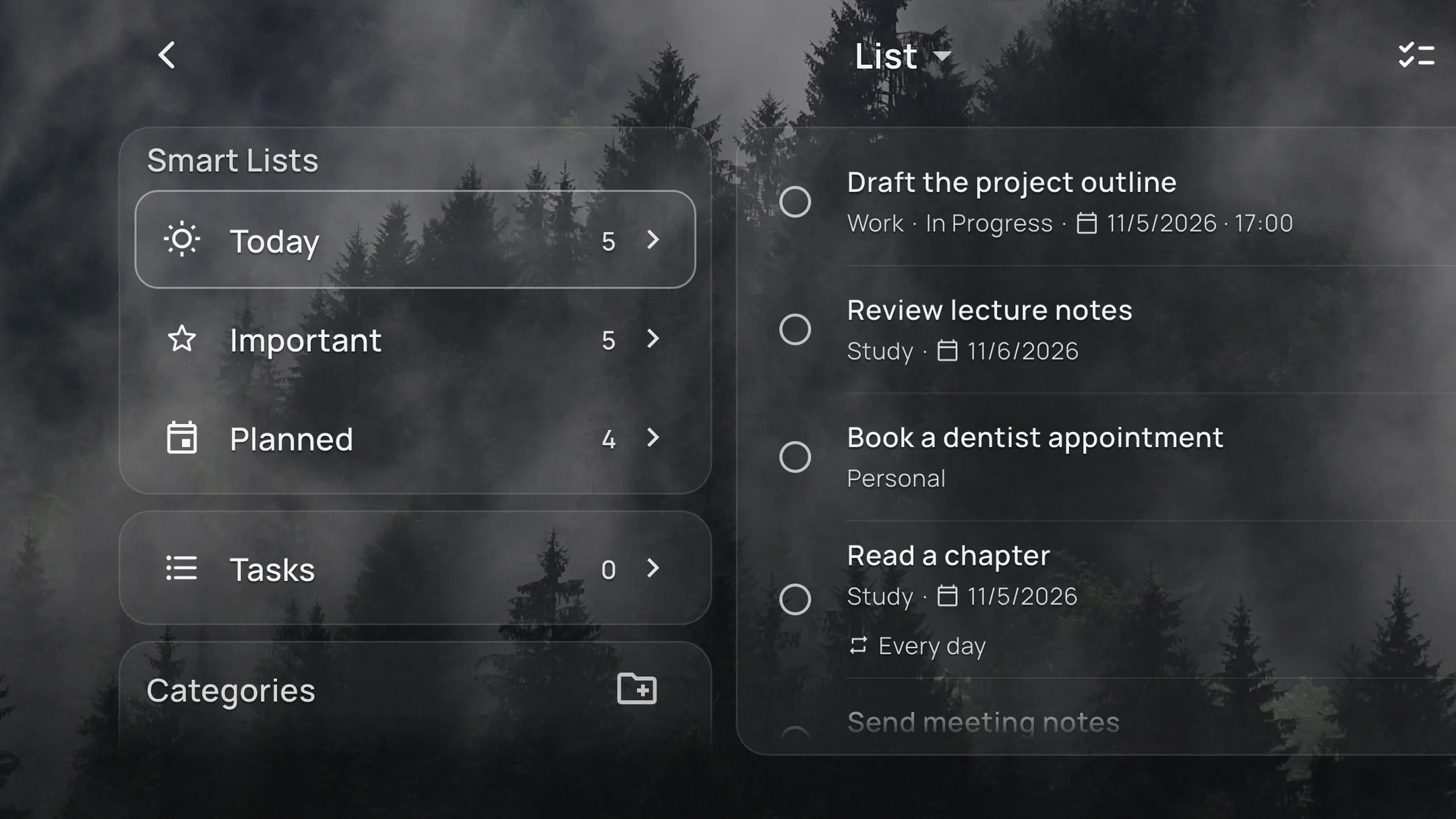
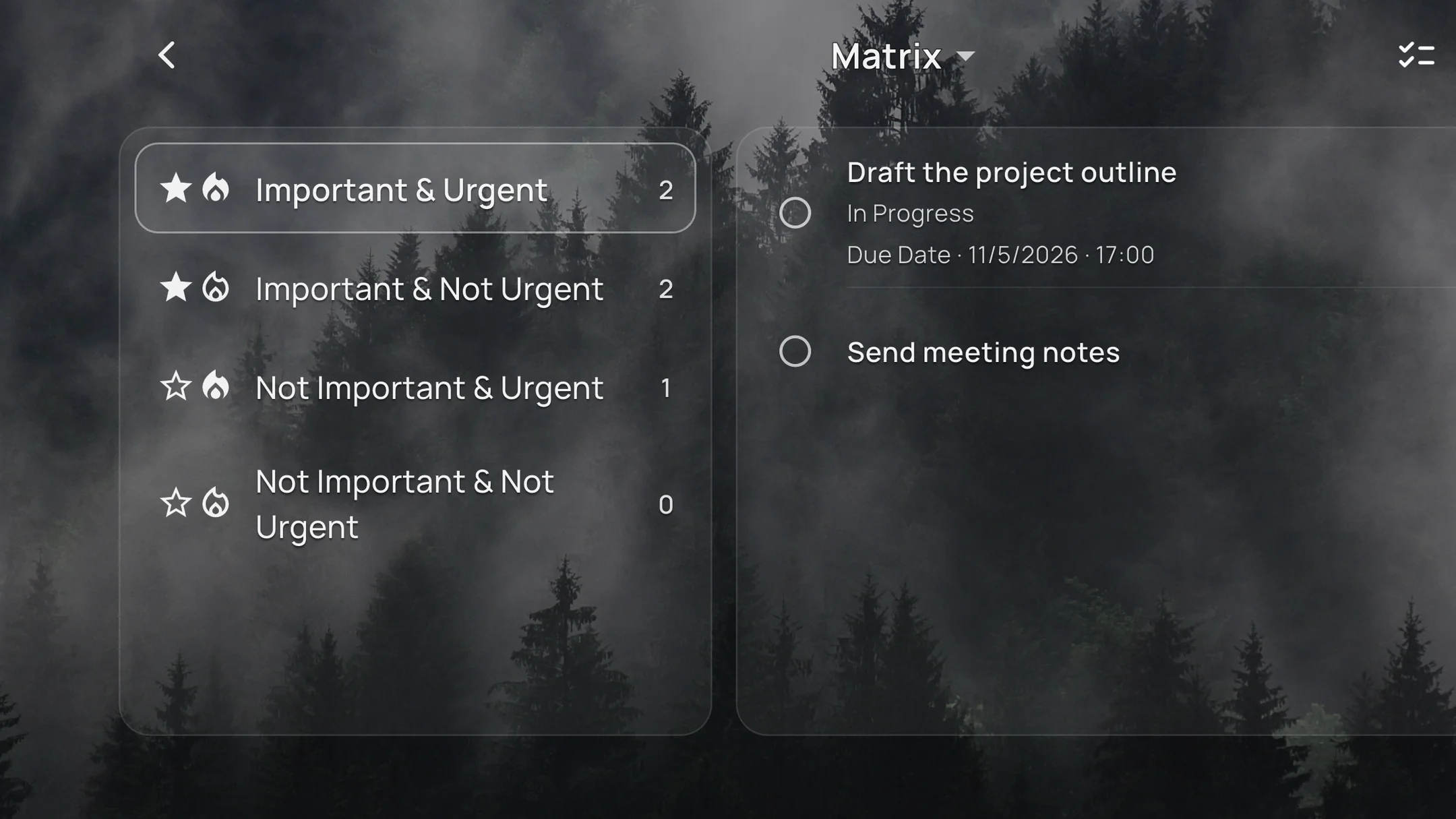
How to Use List, Board, and Matrix Views in Muntrie
Choose a task view for everyday lists, workflow, or priorities. Switch between List, Board, and Matrix while keeping the same tasks.
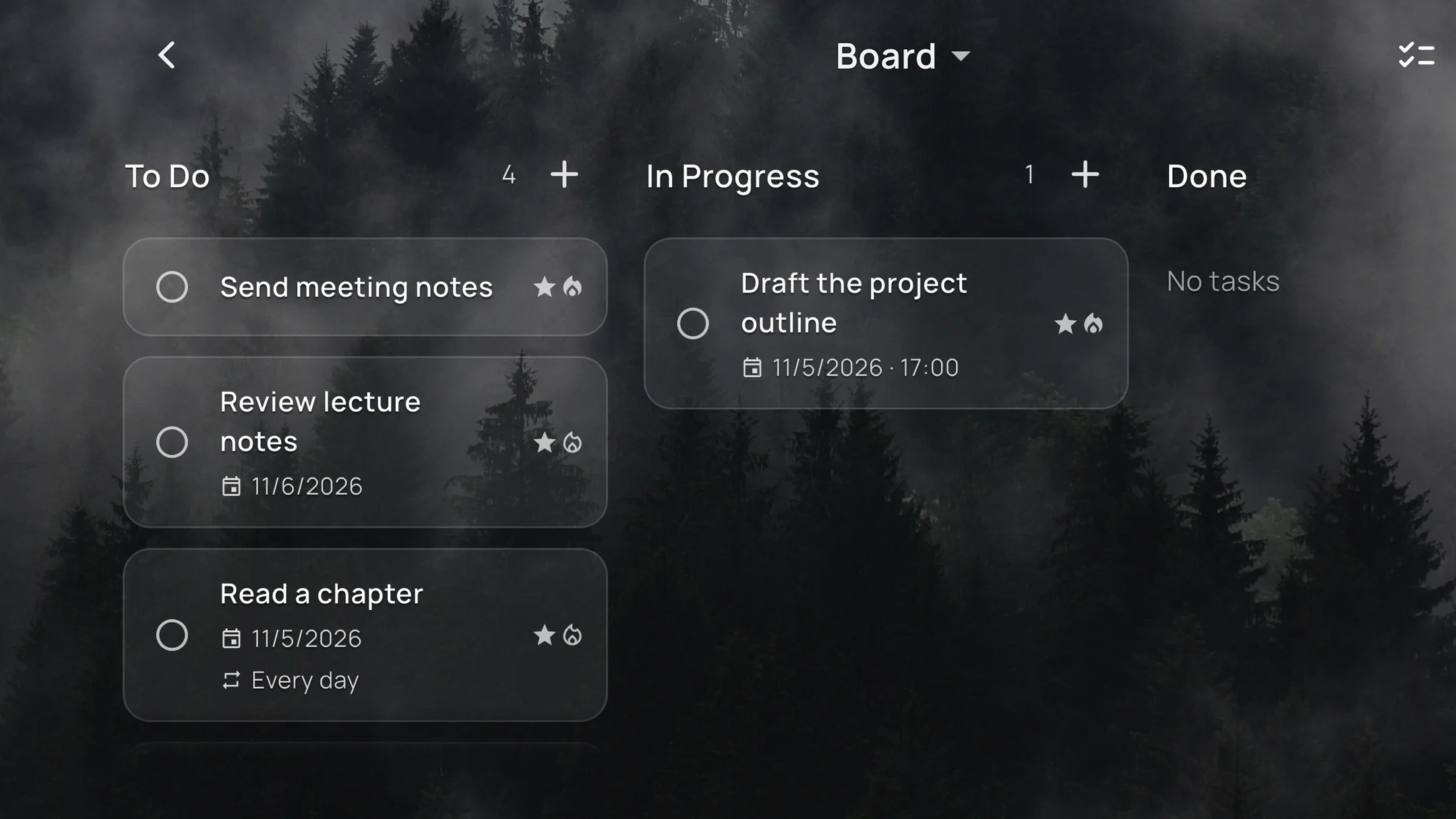
List, Board, and Matrix are three ways to look at the same tasks in Muntrie. You can change the view to match the decision you are making without copying tasks into another list.
Choose a view for the question in front of you
Use List when you want to read tasks and their details in a straightforward sequence. Use Board when you want to review work by status. Use Matrix when you want to compare importance and urgency.
For example, begin a workday in List to check what is due. Switch to Matrix to decide what deserves attention, then use Board to review progress. Changes remain part of the same task record.
Open and switch task views
- Open Tasks from the Muntrie home screen.
- Open the view selector and choose List, Board, or Matrix.
- Choose a category or smart list to narrow the tasks you are reviewing.
- Open a task to edit its details, or use its available actions to change its status or start focus.
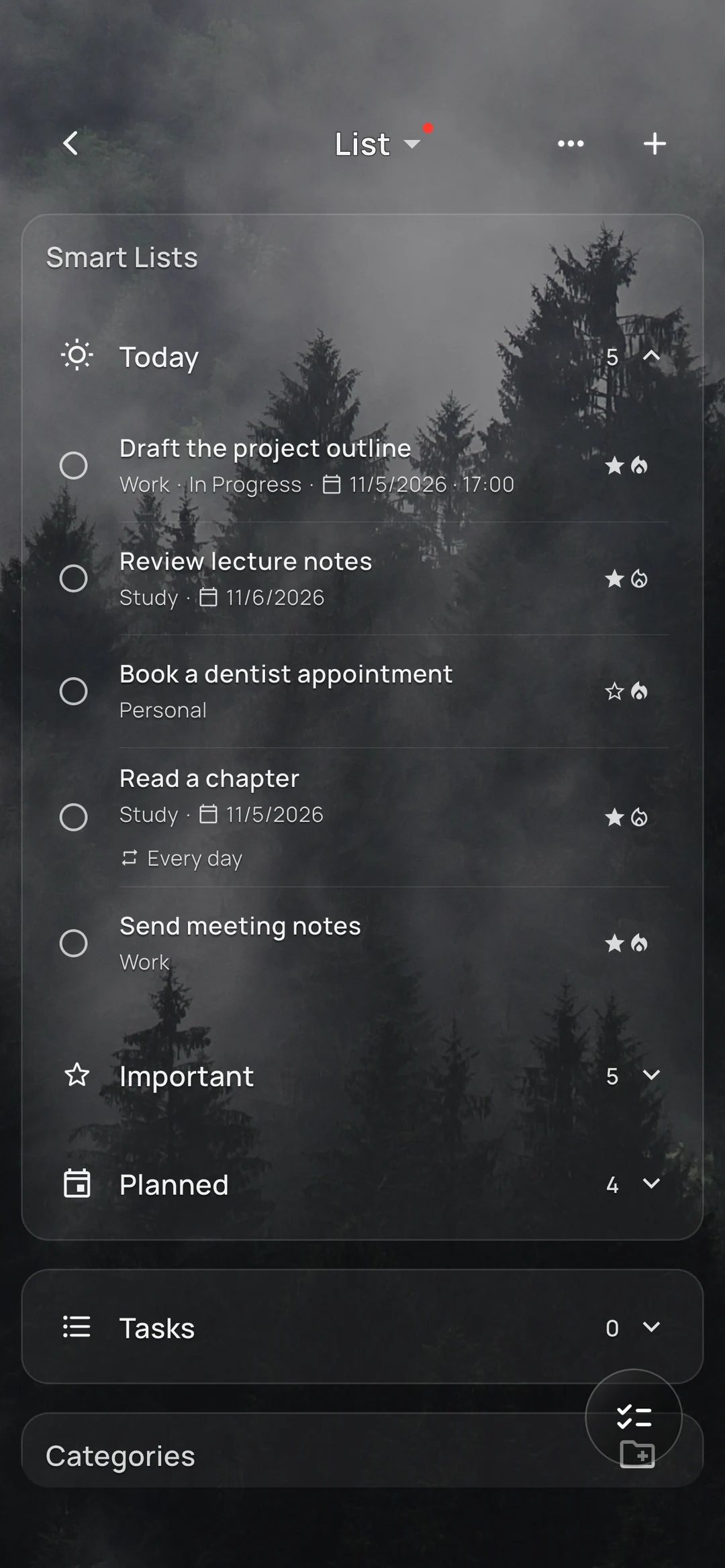
The app remembers your selected view. Switching views does not create a second copy, complete a task, or start a focus timer.
Use categories and priorities for different purposes
A category identifies a context such as Study, Work, or Personal. A Matrix position expresses importance and urgency. A task can belong to a category and still appear in Matrix; these choices do different jobs.
Avoid treating every task as urgent. A distant deadline and an important long-term activity may need a place in your plan without needing immediate action. The priority matrix guide explains this distinction in more detail.
Change several tasks together
Use Select Tasks when the same supported action applies to several items. Review the selection before changing status or category. When an Undo action is offered, it applies to the most recent supported change; it is not a general deleted-task recovery tool.
Frequently Asked Questions
Do I need to move tasks when I change views?
No. All three views read the same task records. A category or smart-list filter can affect which records you see.
Which view should I start with?
Start with List for a straightforward overview. Try Matrix when choosing priorities and Board when reviewing status. You can change your choice later.
Can I use tasks without starting focus?
Yes. Planning tasks and running a focus session are separate actions.
Sources and limits
- Zhu, Yang & Hsee (2018). The Mere Urgency Effect.
The research concerns urgency and choice, not the effectiveness of Muntrie or a particular view. The product steps describe the current English app interface.