How to Export Your Muntrie Data
Export readable spreadsheet records with imported media, understand the difference from a backup, and manage local data removal.
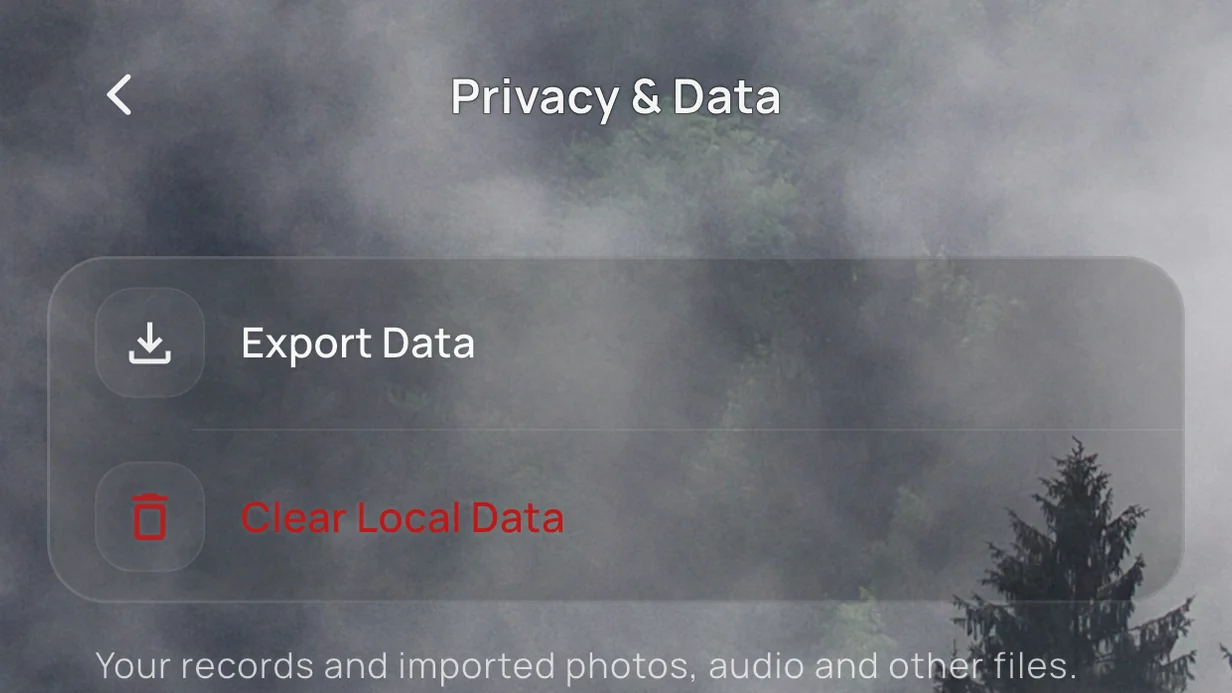
Export Data gives you a readable copy of personal information outside Muntrie. Use it to inspect records in a spreadsheet or keep the original media you imported into the app.
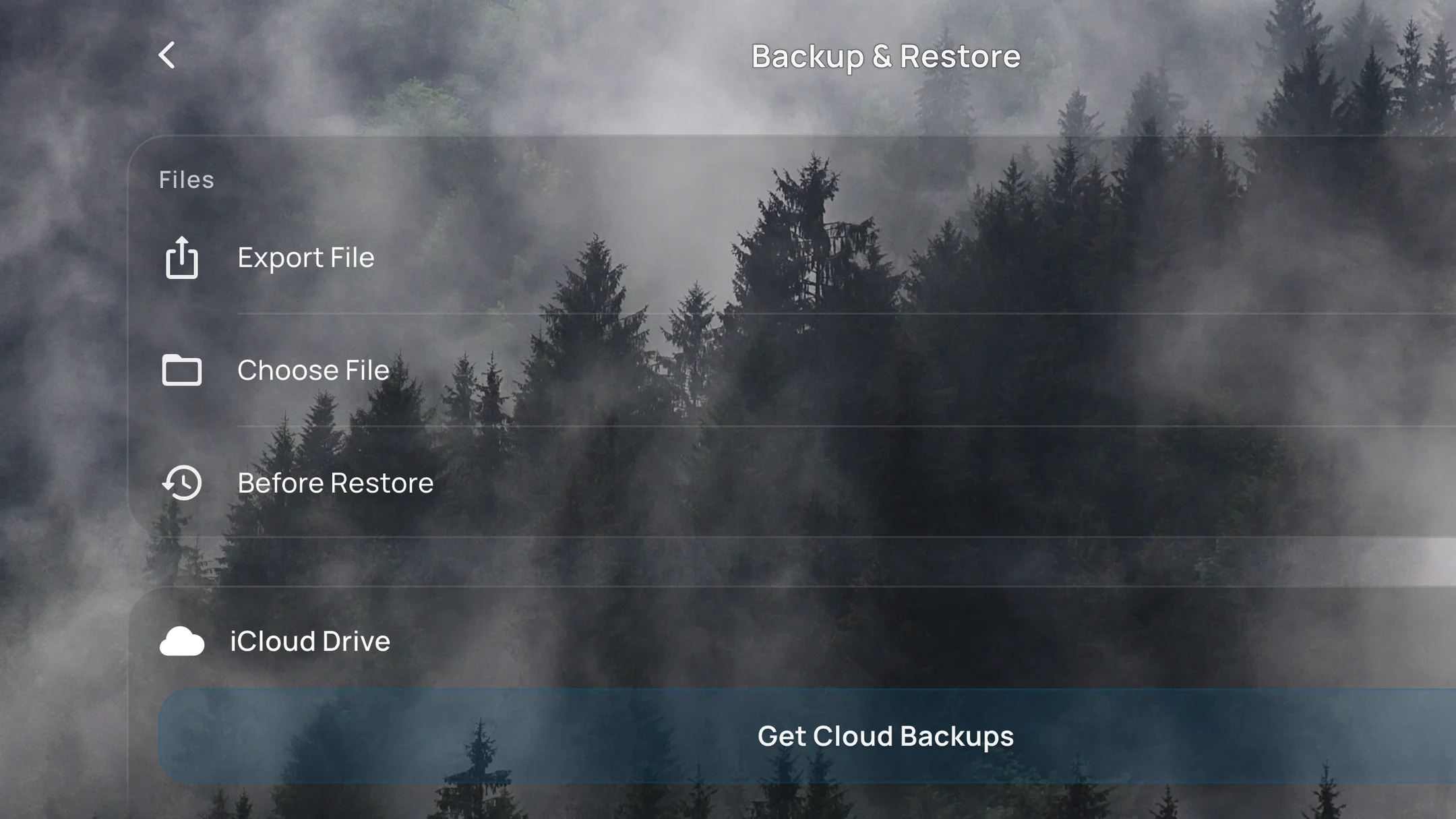
For restoring the app on another device, create a separate .muntrie backup. A spreadsheet export and a restore snapshot serve different purposes.
Create the export
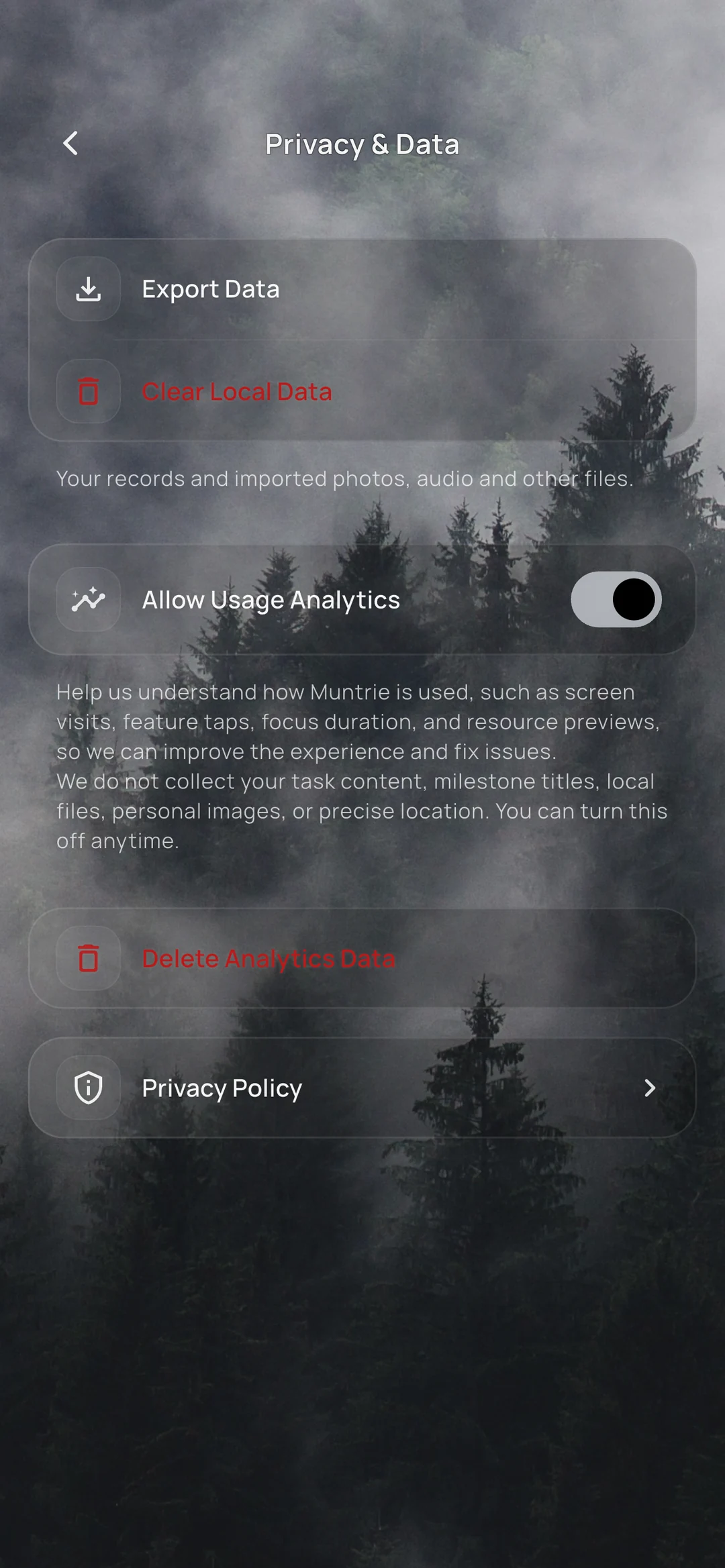
- Open Settings → Privacy & Data.
- Choose Export Data.
- Wait for the file to be prepared.
- Choose a destination in the system share sheet, then check that the file is available there.
Without imported media, the export is a workbook. When imported media is present, the shared archive contains muntrie-data.xlsx and a media folder with the original files. The operation can be completed offline; a cloud destination you select may require a connection.
Read the workbook
Start with Export Overview for counts, export time, and the time-zone explanation. Data is divided into sheets by content type, such as tasks, categories, focus records, mood, and milestones. Empty types appear as zero in the overview without adding empty sheets.
User text remains in its original language. Headings and app-defined values follow the app language used for the export. Long text is preserved in a Long Text sheet when it cannot fit in one cell; follow the reading note rather than assuming it was cut off.
Keep media with the records
If the export is an archive, keep the media folder with the workbook. The media sheet identifies files and their relative locations. This includes imported originals, not a download of Muntrie's built-in or third-party media catalogue.
The export is not encrypted. Review the destination and who can access it, particularly when the workbook or media includes personal information. A copy already shared elsewhere is managed at that destination.
Clear this device only when intended
Clear Local Data is a separate action with a confirmation describing its scope. It removes local records, personal settings, imported app copies, and local backup copies. This cannot be undone through a general Undo command.
It does not delete cloud backups, original media outside the app, previously shared files, subscriptions, or service-provider records. Save any restore backup and readable export you need before confirming. Active focus or file operations can block the action.
Frequently Asked Questions
Can I import the workbook to restore Muntrie?
No. Use a .muntrie backup for restore.
Does clearing local data also clear my cloud account?
No. Manage cloud backups separately in the relevant service or backup controls.
Does opening the share sheet mean the export is saved?
No. Choose a destination and check the resulting file there.
Sources and limits
The platform reference covers finding and managing saved files. The export includes supported personal data, not a complete device image or system permissions.