How to Back Up and Restore Muntrie With a File
Create a .muntrie backup, move included records to another device, and understand restore protection and media exclusions.
A .muntrie backup is a snapshot you can use to restore included personal records and settings. Keep one when changing devices or before a change you may want to reverse.
Create a backup file
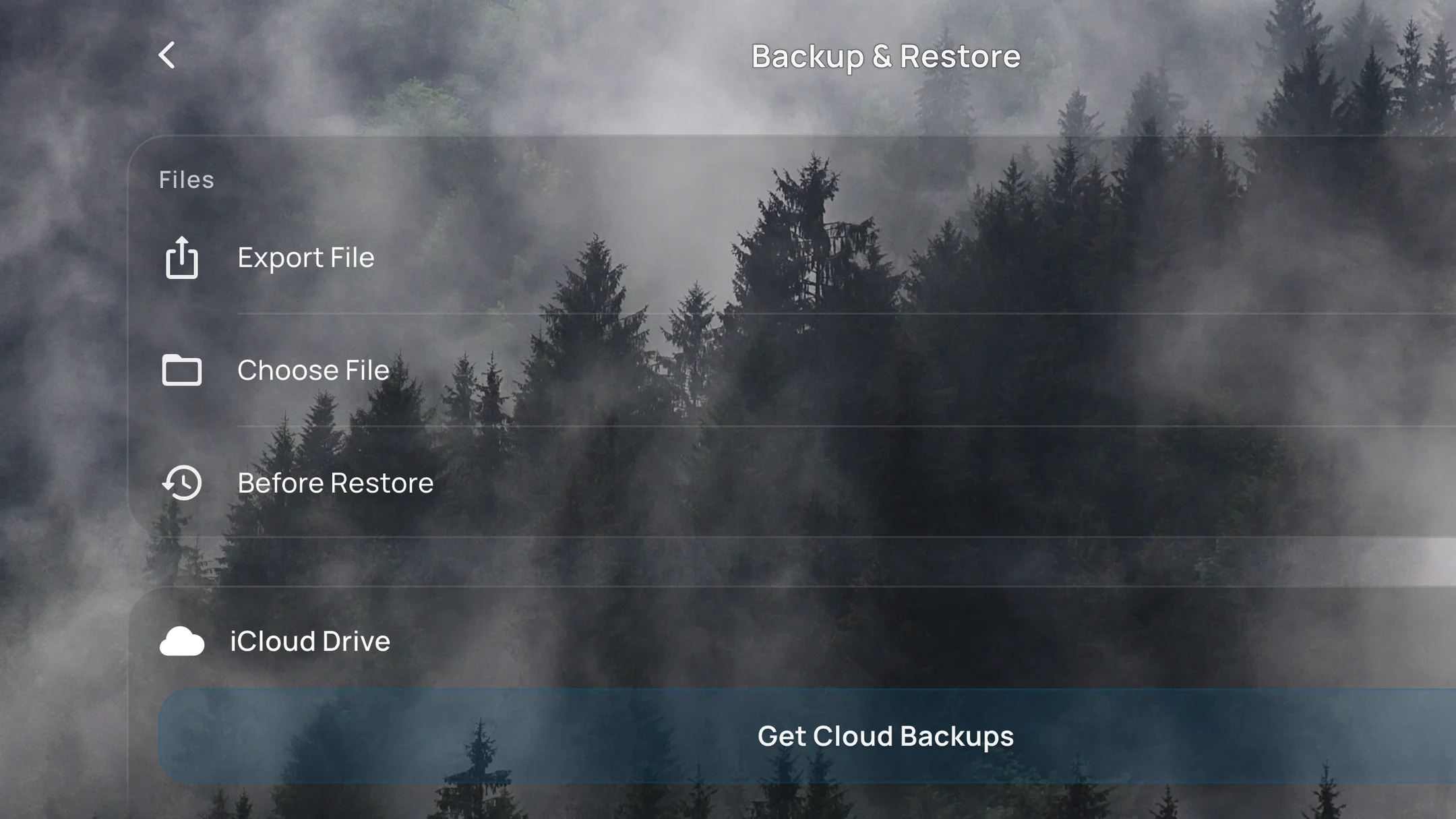
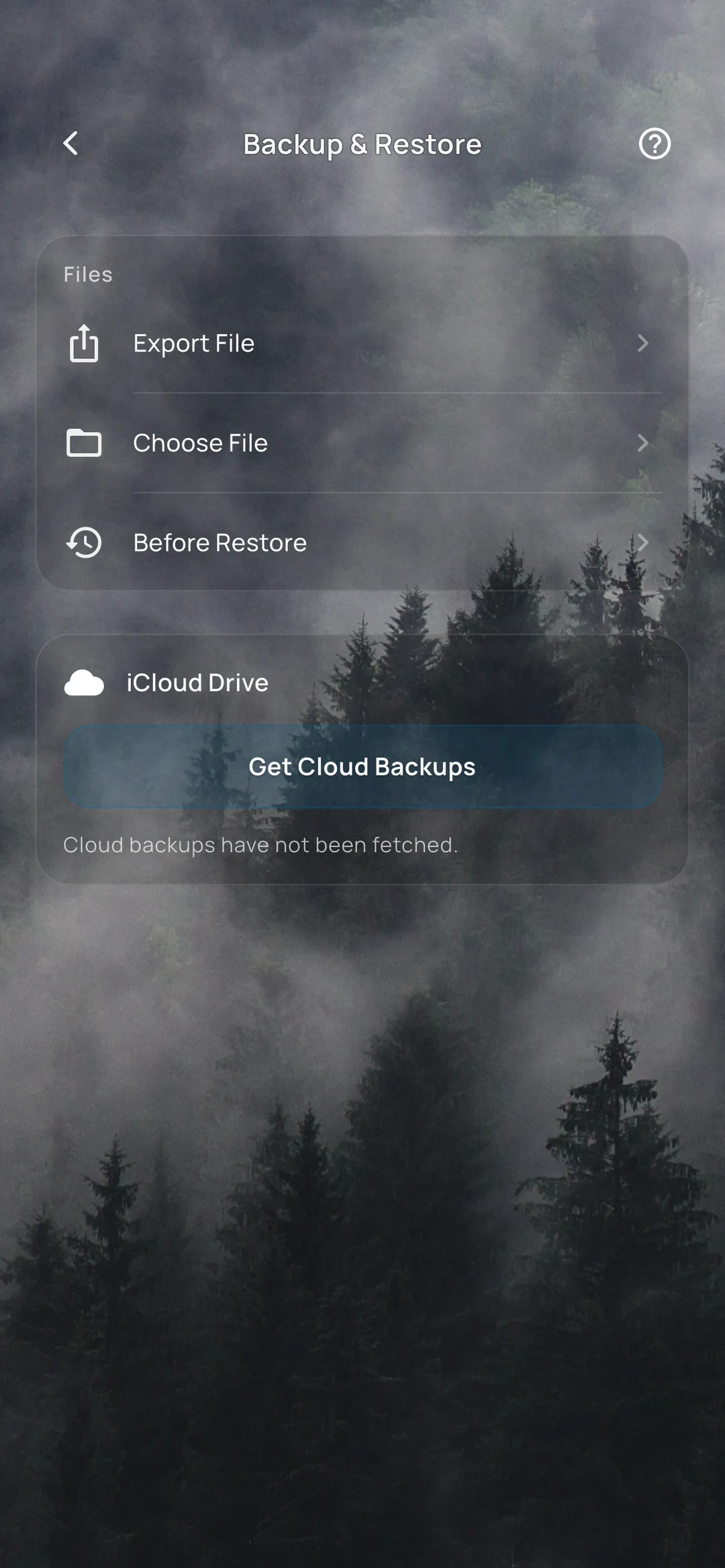
- Open Settings → Backup & Restore.
- In the Files section, choose Export File.
- Wait for the system share sheet, then save the .muntrie file to a location you can find again.
- Check the saved file in that location before relying on it.
Opening a share sheet does not prove the file has been saved. The destination you choose controls the final copy.
Know what the snapshot contains
Current snapshots include tasks and categories, focus history, mood records, milestones, and supported personal settings. They preserve records as they existed when the snapshot was created.
They do not include the original bytes of imported images or audio, an active focus timer, system permissions, or cloud-account authorisation. Use Export Data to keep a separate readable copy with imported media. Those exported tables cannot be restored as a .muntrie backup.
Backup files are not encrypted. Store and share them with the same care as the personal records they contain.
Restore on the destination device
Open Backup & Restore and choose Choose File. Select the .muntrie file, read the source date and the included-data summary, then confirm only when that is the snapshot you intend to use.
Included data is replaced. Data outside the snapshot's included sections stays on the destination. This is not a merge of edits made on two devices, so consider exporting a new backup of the destination's records first.
End active focus sessions before restoring. If an operation is blocked, follow the app's message rather than assuming it completed.
Use Before Restore when needed
Muntrie keeps a local protection copy before a restore. Find it under Before Restore to restore or export the previous local data. This is a local safeguard, not proof of another copy on a cloud service or a substitute for an independently saved backup.
Frequently Asked Questions
Can I use a file when switching between Android and iPhone?
A supported .muntrie file is the transfer route when the built-in cloud services differ. Transfer the file yourself and review the restore summary on the destination.
Will restoring merge my two task lists?
No. A current snapshot replaces the included data rather than merging device changes.
Can I restore a spreadsheet export?
No. Exported tables are for reading outside Muntrie. Use a .muntrie backup for restore.
Sources and limits
The system reference explains file management. The backup's scope and replacement behaviour are Muntrie-specific; cloud transfers and device-wide backups are separate operations.