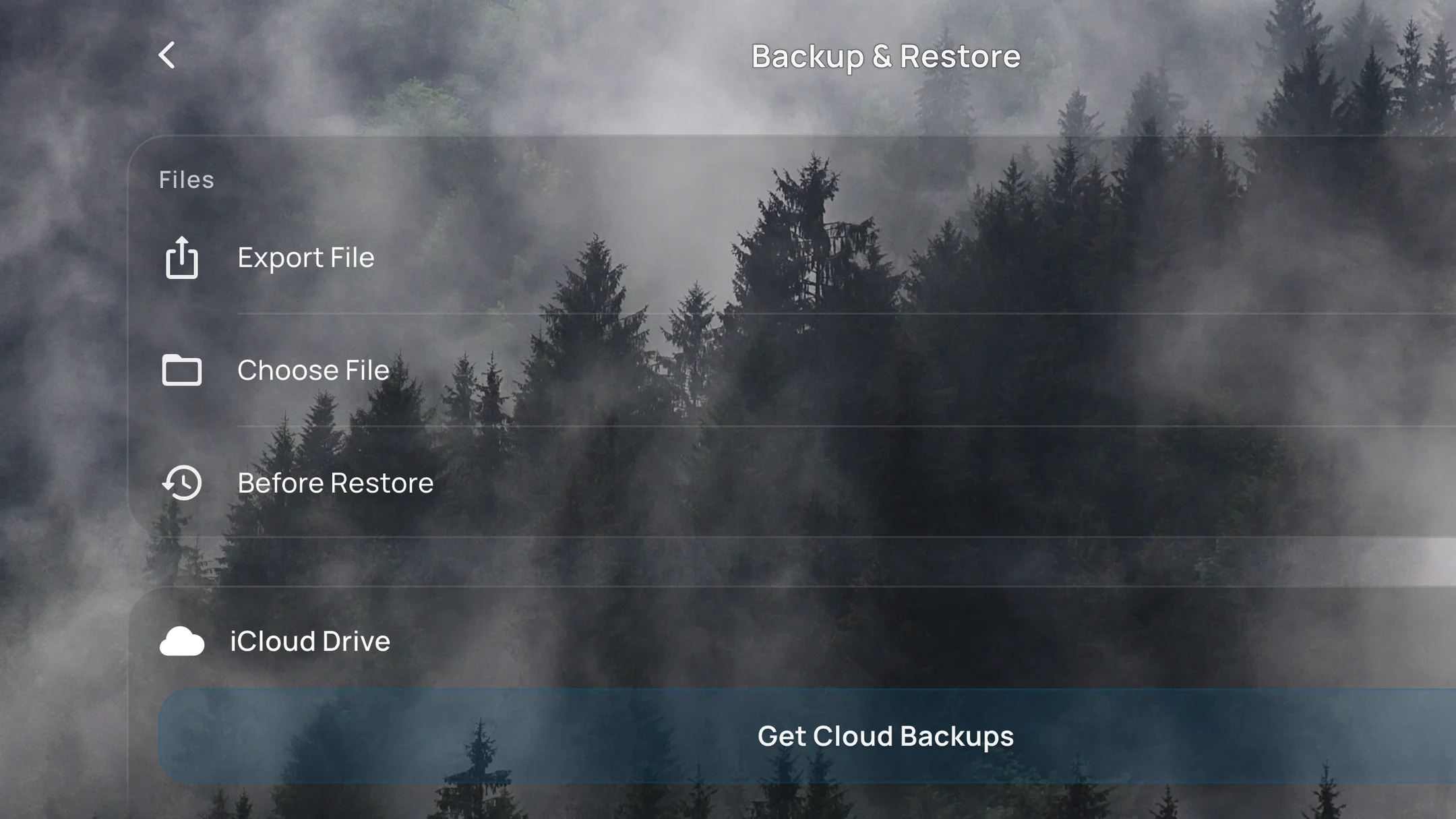
How to Back Up Muntrie to Google Drive on Android
Connect your own Google account, create a manual Muntrie backup, and restore a selected snapshot on Android.

On Android, Muntrie can save backup snapshots to your own Google Drive account. You choose when to connect, create a backup, refresh the list, or restore. Daily use still does not require a Muntrie account.
Connect your Google account
- Open Settings → Backup & Restore on Android.
- Find the Google Drive section and choose Connect.
- Select the Google account you intend to use and review the requested access.
- Wait for the account check and backup list to finish loading.
Connecting fetches the available backups; it does not automatically create a new one. If you cancel or the connection fails, the File section remains a separate backup option.
Create a manual snapshot
Choose Create Backup after the account is connected. Wait for the operation's result and check the backup list. Do not treat merely seeing your account name as evidence that a backup was uploaded.
Create a new snapshot after changes you want to preserve. Muntrie does not upload every task edit in the background or automatically refresh the list whenever you open the page.
Restore on another Android device
Install Muntrie, connect the same Google account in Backup & Restore, and refresh the list. Choose the intended snapshot and review its date and included data before confirming restore.
Included local records are replaced. If the destination already contains useful changes, save a separate file backup first. The service does not compare the two devices or merge conflicting edits.
The file backup guide explains the snapshot's scope and the Before Restore protection copy.
Handle connection and storage problems
Check that you selected the intended Google account and granted the required access. Reconnect when the app asks for authorisation. A full cloud account, interrupted connection, or unavailable configuration can prevent a backup from completing.
Use Export File if you need a local transfer while cloud access is unavailable. Imported media files still need a separate export; Google Drive backup does not change what a .muntrie snapshot contains.
Frequently Asked Questions
Does Google Drive sync every change?
No. Backups and restores are manual snapshots, not live sync or automatic device merging.
What happens if I disconnect?
Disconnect removes the app's local connection choice. Existing cloud backups and this device's records are kept. Account access can also be managed through Google's account settings.
Can an iPhone open this built-in Google Drive section?
The built-in option is for Android. Use an exported .muntrie file to transfer records when the destination uses a different built-in cloud service.
Sources and limits
The account reference explains access management. A connected account does not prove a particular upload succeeded; use the result shown for that backup operation.