How to Start a Focus Session From a Task
Connect a task to a focus session, review the recorded time, and decide separately whether the task is complete.
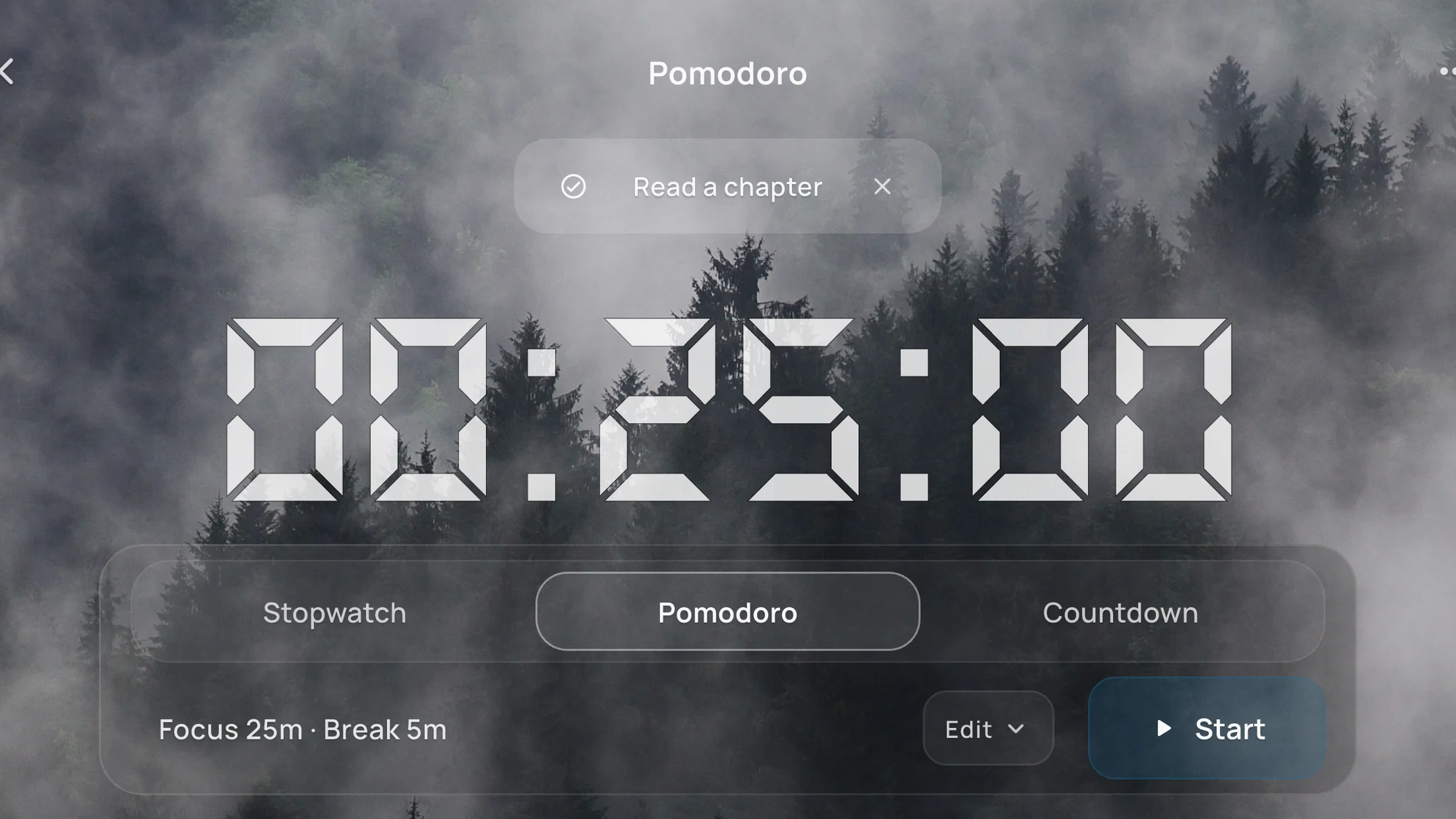
A task describes the work. A focus session records a period spent doing it. Linking them lets you keep that context without assuming one session is enough to finish the whole task.
Choose the task before the timer
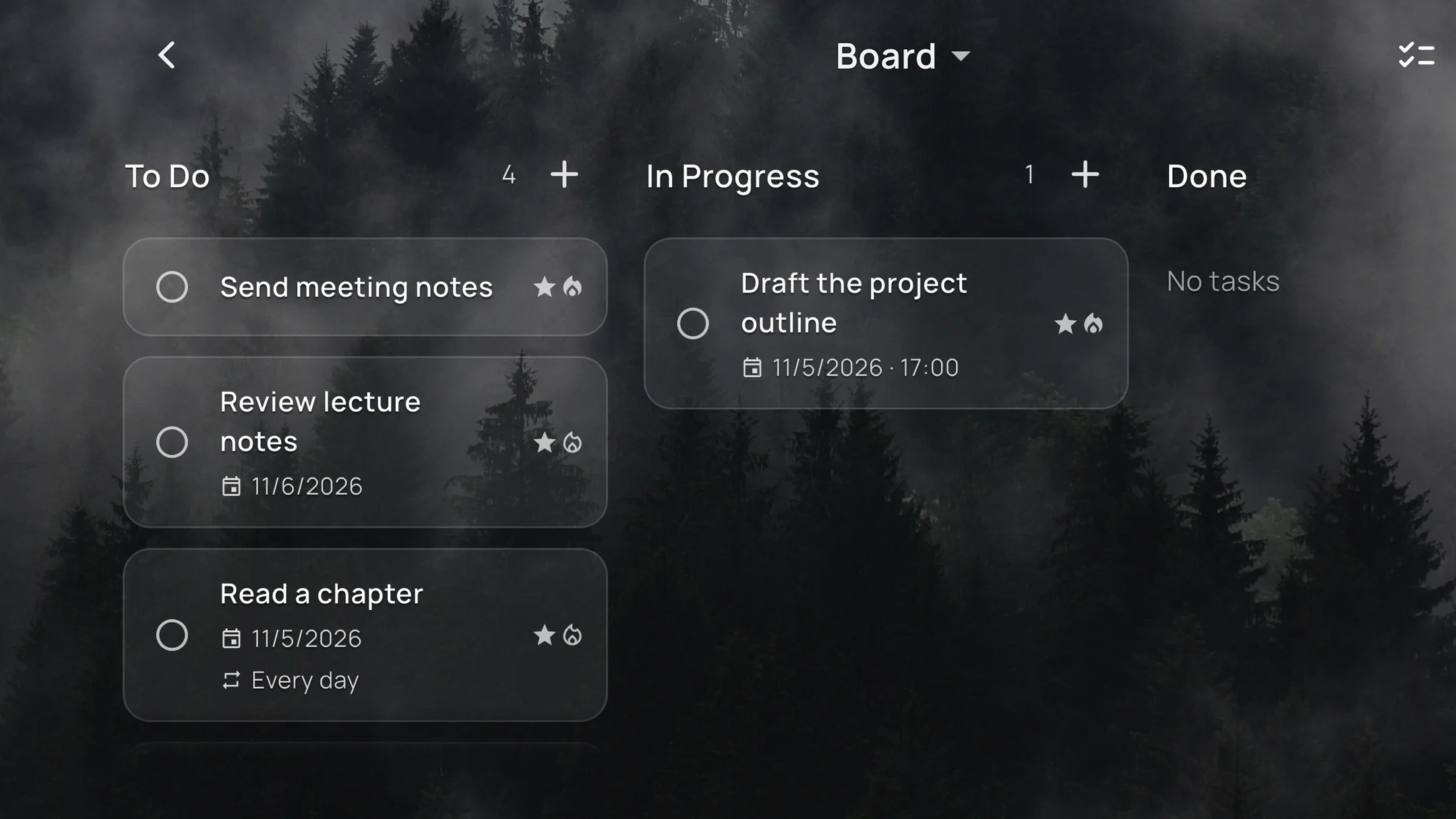
Open Tasks and find the unfinished item you want to work on. Use its focus action to open the focus setup, then choose the timer mode and settings you need.
You can also select an unfinished task from the focus setup. Browsing or temporarily selecting a task is not the same as starting a session or marking it complete. Confirm the intended task before you begin.
Match the timer to the work
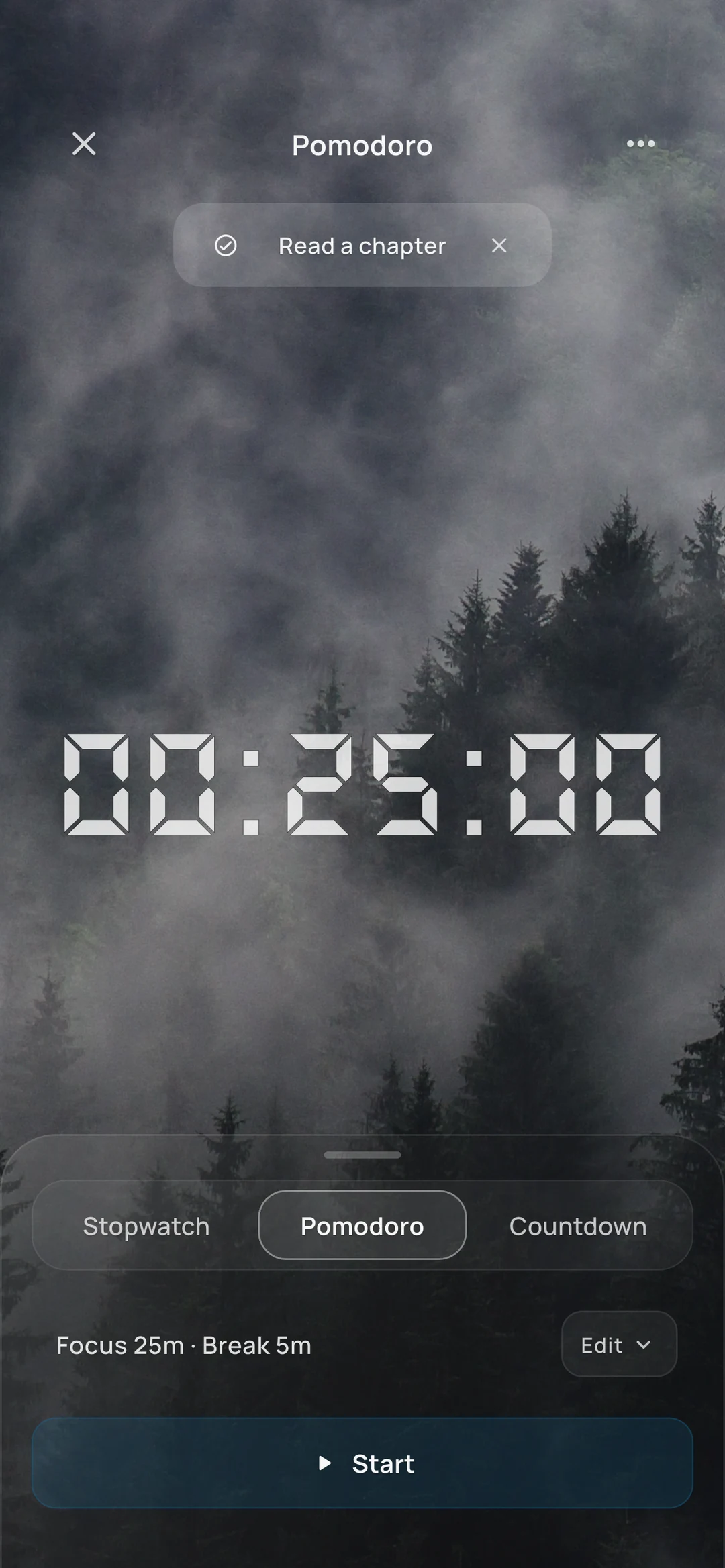
Use Pomodoro when you want work and break intervals, countdown for a defined block, or count-up when you want to record elapsed work without choosing an end time.
For example, “Draft the introduction” may need one countdown block today and another tomorrow. Keep the same task while recording the separate sessions rather than creating a new task for each timer.
Pause when you stop working
Pause the timer when you take an interruption, and resume when you return. Muntrie records actual focus intervals; pauses and Pomodoro breaks do not count as focused work.
On supported devices, notification or Lock Screen controls can pause, resume, or end the session. Their appearance and availability depend on the operating system and permissions.
Decide whether the task is finished
When ending focus, make the task-completion choice separately. Leave the task unfinished if the session made progress but did not finish the work.
Review your sessions and time spent on tasks in Focus History. A recorded duration describes time, not the quality or amount of work produced. Use the task's title and notes to keep the next action clear.
Frequently Asked Questions
Does the end of a timer automatically finish a task?
No. Choose whether to complete the linked task when ending focus.
Can I focus without linking a task?
Yes. A task link is optional; the timer can be used on its own.
Does opening a reminder start focus?
No. View Task opens the task. Starting a focus session is a separate action.
Sources and limits
- Android Developers. Background execution and power-saving restrictions.
Product steps describe Muntrie's task and focus controls. The platform reference explains why background behaviour can differ; it does not establish uninterrupted execution or a productivity outcome.