How to Create a Calm Desk Setup for Focus
Create a calm desk setup with clear zones, restrained visuals, useful lighting, prepared supplies, and fewer digital distractions.
A calm desk is not defined by a particular aesthetic. It is a workspace where the tools for the current task are easy to reach and unrelated objects do not repeatedly ask for attention.
Quick Answer
Clear enough space for the task you are about to do, put its materials within reach, and move unrelated items into a tray. Choose one visible cue, such as a timer or task card. Finish by checking that you can begin the first step immediately; a new desk, lamp, or decorative setup is not required.
Define the primary activity
Decide whether the desk is mainly for studying, writing, computer work, or mixed use.
Place the most-used tools in the easiest positions.
Store occasional items outside the immediate work area.
Create simple zones
Use one area for the computer, one for writing, and one small place for water or reference material.
Zones reduce searching and help reset the desk quickly.
Keep cables and chargers routed so they do not consume the writing area.
Use restrained visual cues
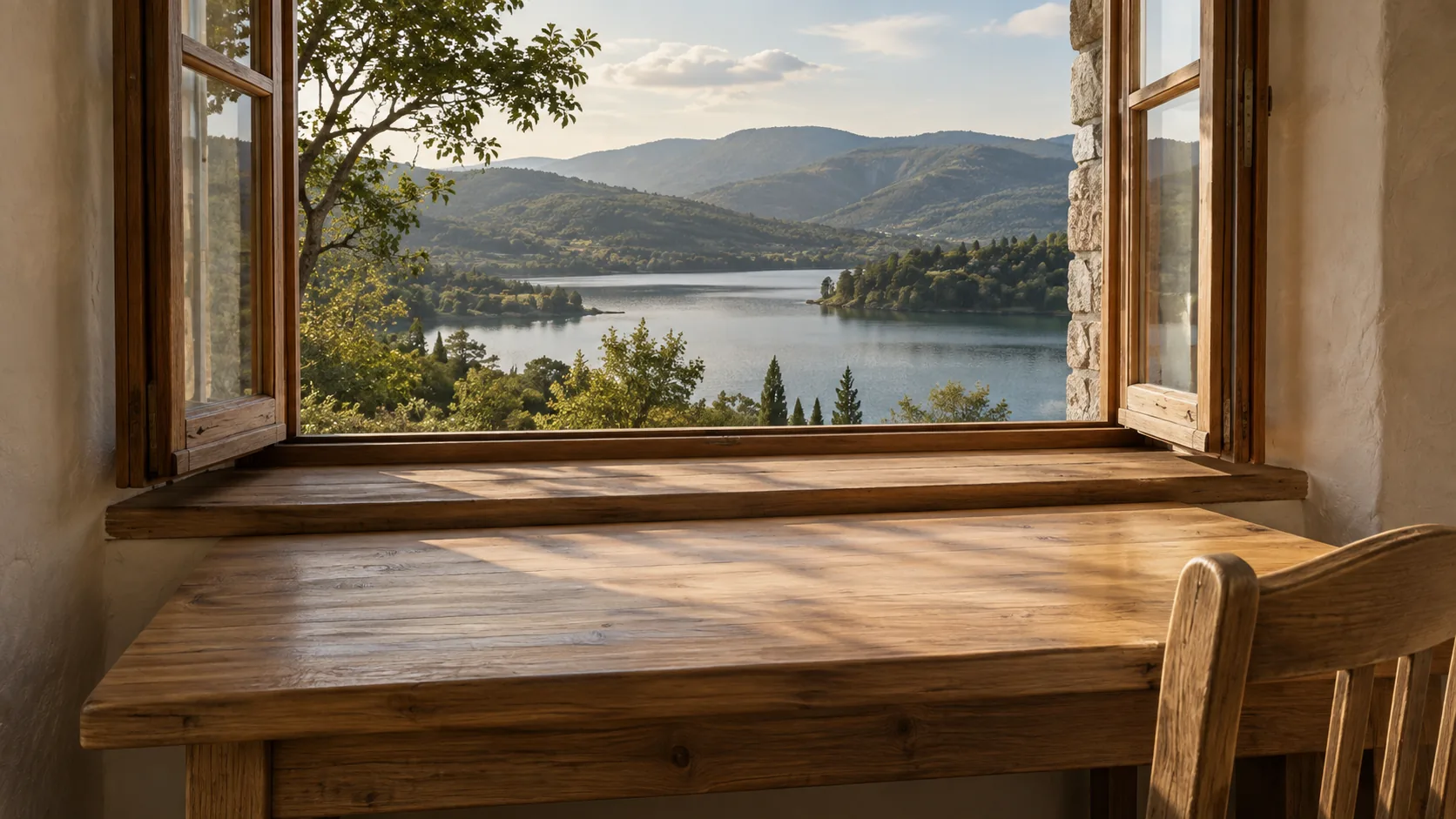
Choose one or two useful visual elements, such as a clock, task card, or calm scene.
Avoid displaying long task lists and several competing reminders at once.
Rotate decorative items only when they do not become maintenance.
Improve lighting
Use comfortable general light and task lighting that reduces glare.
Position screens and lamps to avoid strong reflections.
During daytime, use natural light without placing the screen directly against a bright window.
Prepare a reset routine
At the end of the session, return tools, remove cups, and place the next task on top.
A two-minute reset prevents clutter from accumulating.
Keep cleaning supplies nearby but do not turn every session into a redesign project.
Add a consistent start cue
Use the same lamp, timer, sound, or short phrase when work begins.
The cue should be quick and repeatable.
Pair it with a concrete first action.
A setup for a shared table
For a reading session, place the book and notebook in the center, a pen beside them, and water beyond the writing area. Put unrelated mail and chargers in one tray that can be moved when someone else needs the table. If a phone is your timer, enable its focus or notification controls before placing it on a stand; otherwise leave it out of reach.
At the end, put the bookmark at the next section, leave one question in the notebook, and return your materials to the tray. The next session starts by unpacking that same small set. If you are using the desk for coding instead, keep the keyboard area clear and put the next task in your existing issue list.
Using Muntrie
Muntrie provides a full-screen clock, scenes, ambient sounds, and timers that can act as a consistent visual start cue without adding more physical objects to the desk.
Frequently Asked Questions
Does a calm desk need neutral colors?
No. Use colors you find comfortable while keeping task-relevant information clear.
How many items should stay on the desk?
Only what you use frequently or need for the current task.
What if I share the desk?
Use a portable tray or box that lets you set up and clear your work quickly.