How to Plan Your Day With Tasks in Muntrie
Use categories, Today, and due dates to build a daily task plan without confusing a planned workday with a deadline.
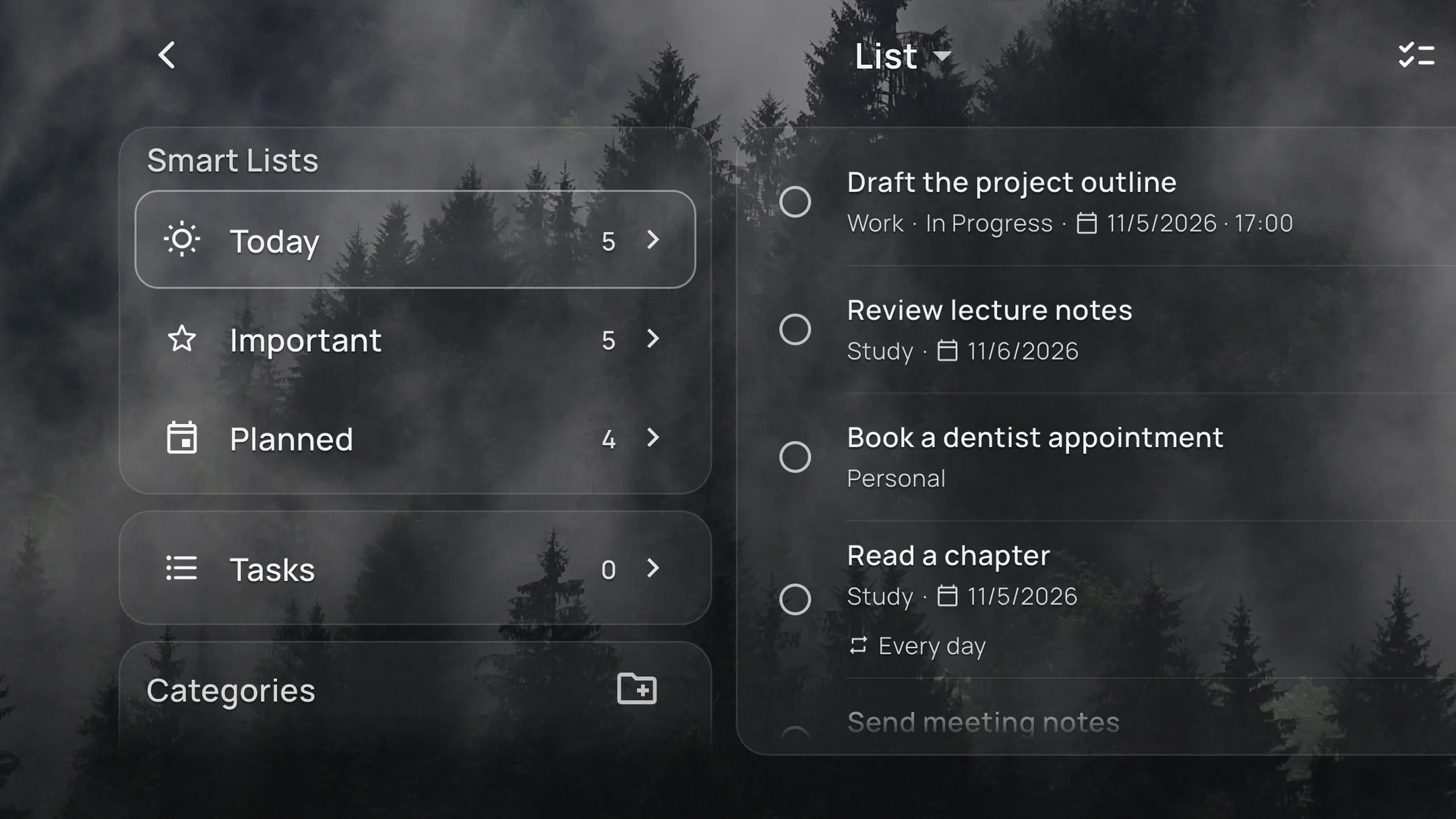
A daily plan answers what you intend to work on today. A deadline answers when something is due. Muntrie keeps those choices separate, so you can plan work ahead of its final date.
Capture one clear next action
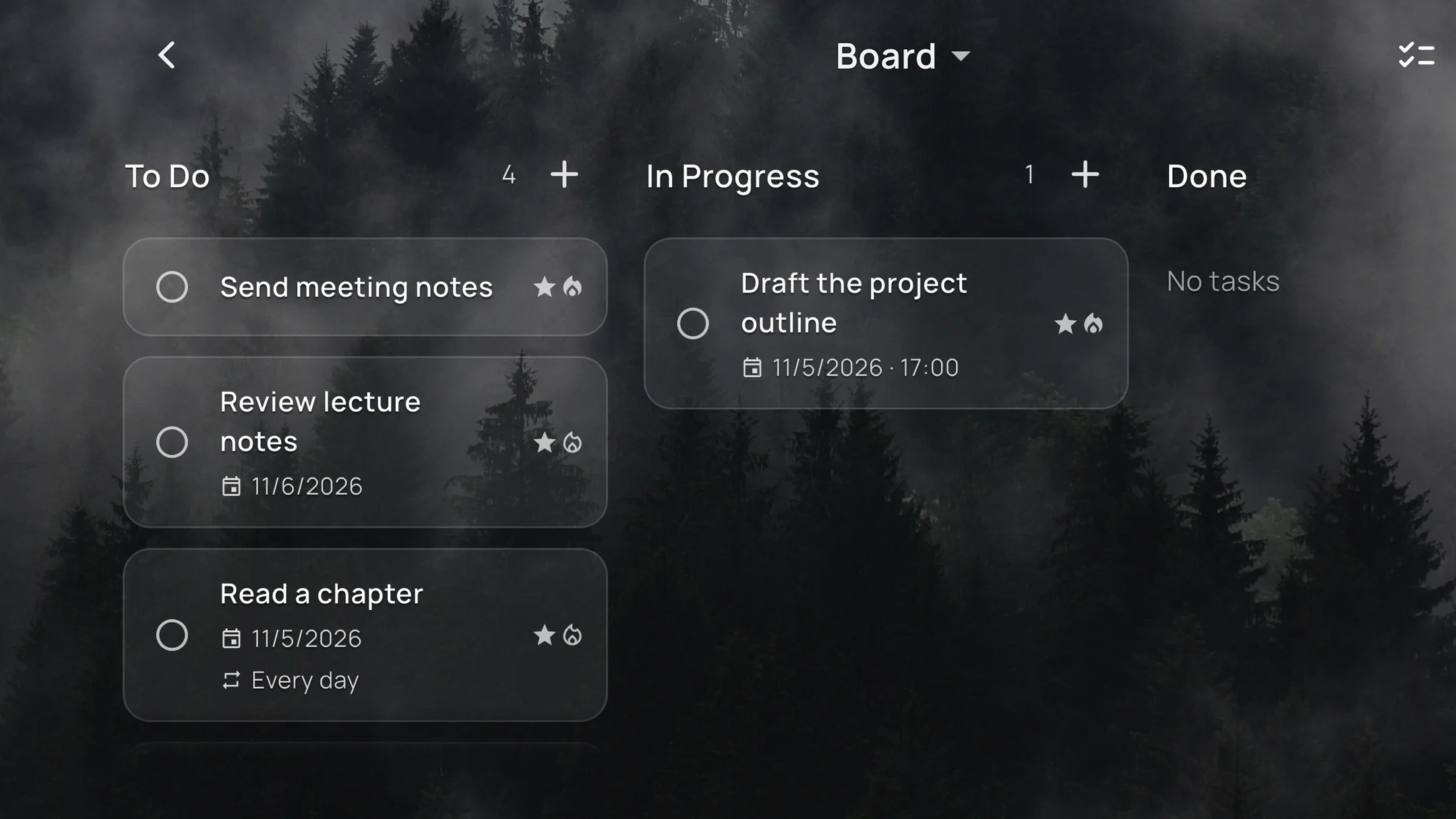
Open Tasks and add an action you can recognise later, such as “Read chapter three” or “Draft the project outline”. Add notes when you need context. A title should make sense when it appears in a reminder or a small widget.
Use categories for ongoing contexts such as Study and Personal. Deleting a category keeps its tasks and returns them to the default Tasks category; it does not delete the work itself.
Build a Today plan
- Review the tasks in your categories.
- Choose the tasks you intend to work on and use Add to Today or Plan for Today.
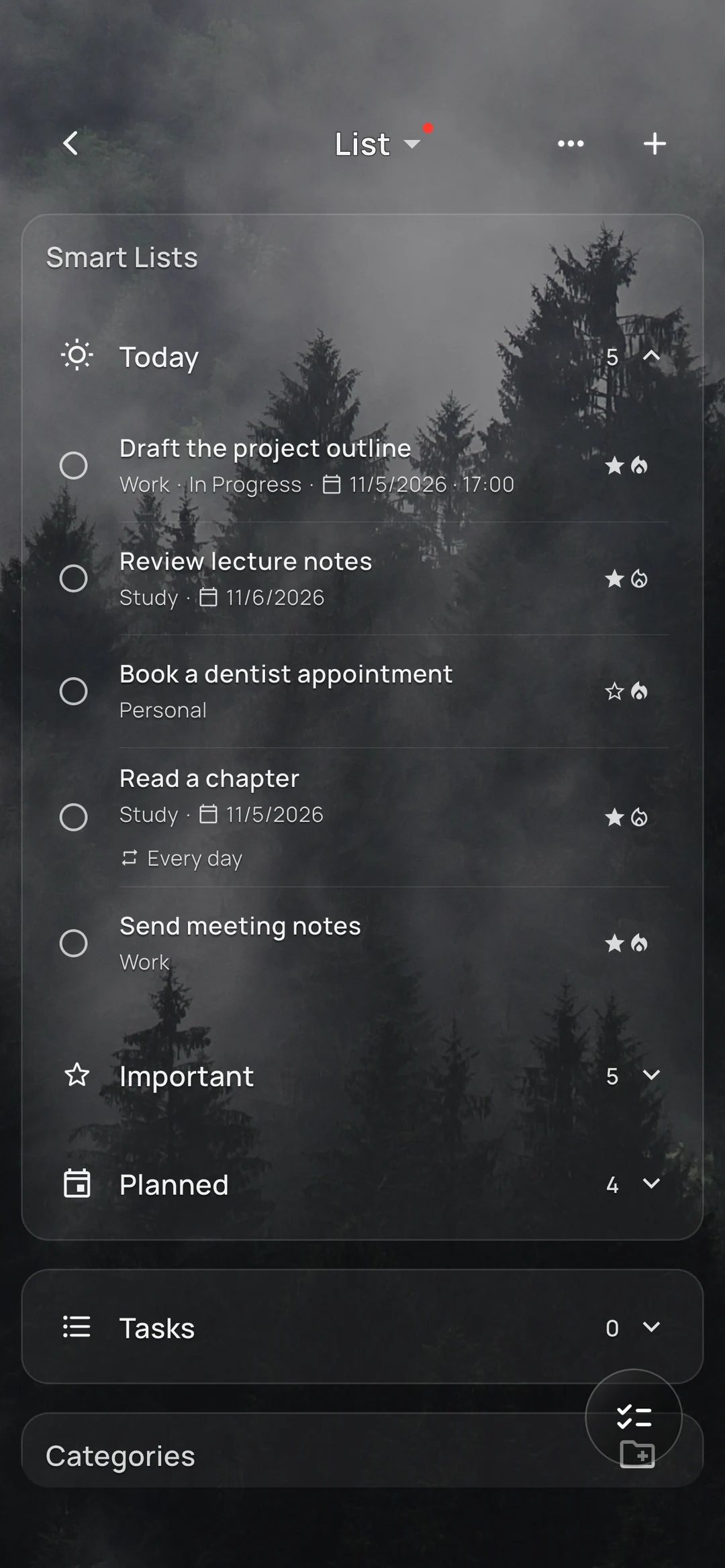
- Open Today to review the resulting plan.
- Remove an item from the Today plan when your intention changes.
A due date can also cause a task to appear in Today. If the app says the deadline includes it there, removing a manual Today choice does not remove that deadline.
Add a deadline when there is a real due date
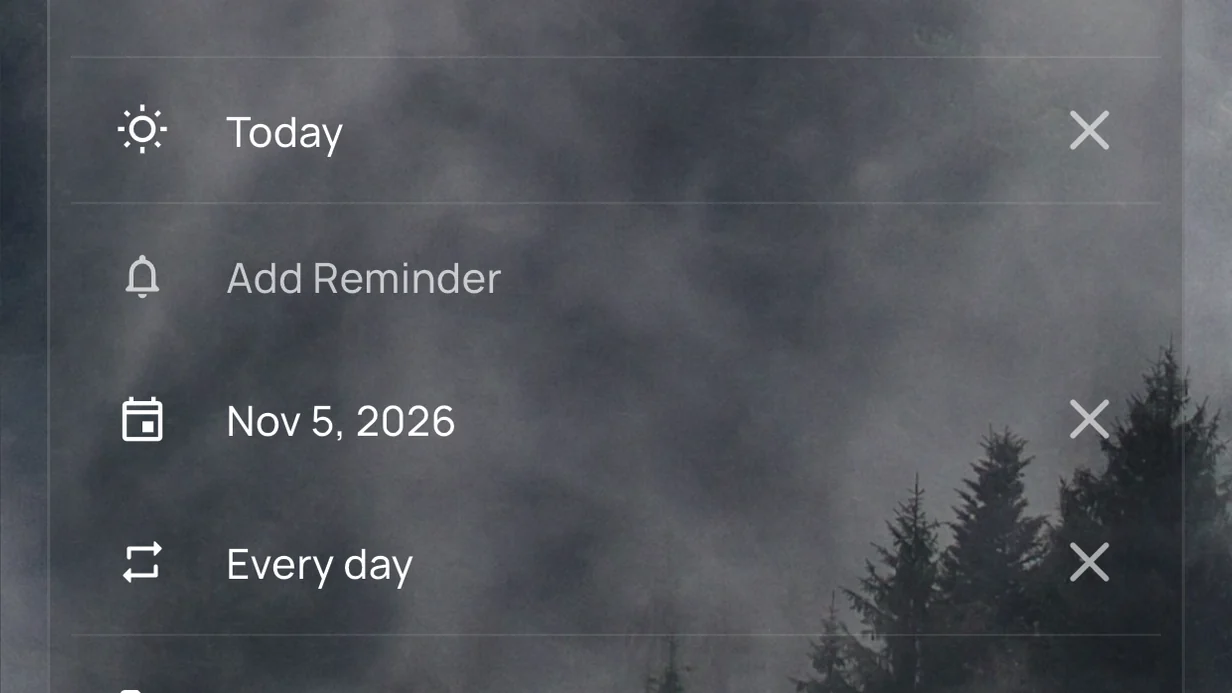
Open the task and choose Due Date. Add an optional time when the hour matters. Keep the deadline as the actual commitment, even if you intend to work on it earlier.
For example, a report due Friday can be in Wednesday's plan. Finishing part of the work on Wednesday does not require moving its Friday deadline. A reminder is another separate choice: set one when you want a prompt to return.
Review the plan after a focus block
Start focus from a task when you are ready to work. At the end, decide whether the task is complete or needs another session. A completed timer does not mean the whole task has been finished.
Use batch actions for a group of tasks that genuinely need the same change. Review an offered Undo immediately after a supported status or move action. Undo does not provide unrestricted recovery of deleted content.
Frequently Asked Questions
Does adding a task to Today change its deadline?
No. A daily plan and the due date express separate choices.
Can categories and Today contain the same task?
Yes. Today is a filtered view of your records, not a separate copy or category.
Should every task have a reminder?
A reminder is optional. Set one when a prompt would be useful rather than as a requirement for keeping a task.
Sources and limits
- Gollwitzer (1999). Implementation Intentions.
Action-planning research offers context for making a specific plan. It does not establish a productivity gain from this app or prescribe a fixed number of daily tasks.