How to Control Your Focus Timer From the Lock Screen
View and control Muntrie focus sessions through supported Android notifications and iPhone Live Activities.
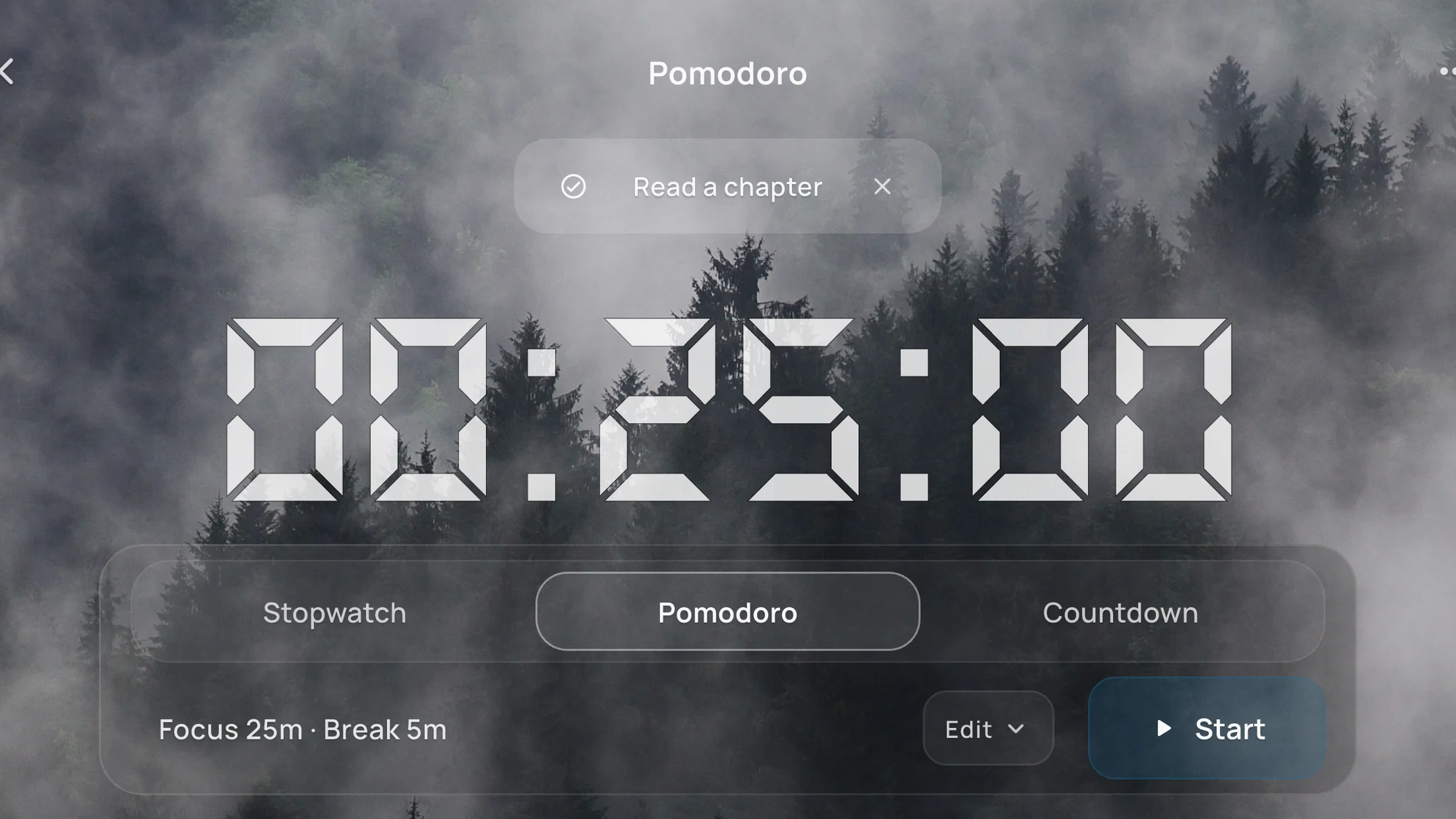
You do not need to keep returning to the timer screen to check every focus session. Muntrie can show the running session on the Lock Screen or in system notifications, with controls to pause, resume, or end it.
Start the session in Muntrie
Choose Pomodoro, countdown, or count-up and start focus. Check the app's permission prompts and your system notification settings. A timer running inside the app does not by itself mean the system is allowed to display every alert or control.
Leave the app or lock the phone to see the available system presentation. Tapping the notification or activity body returns to Muntrie.
Use iPhone Live Activities
On iPhone with iOS 16.1 or later, a Live Activity can display the current focus state on the Lock Screen and, on models that have it, Dynamic Island. Controlling the timer without opening Muntrie requires iOS 17 or later.
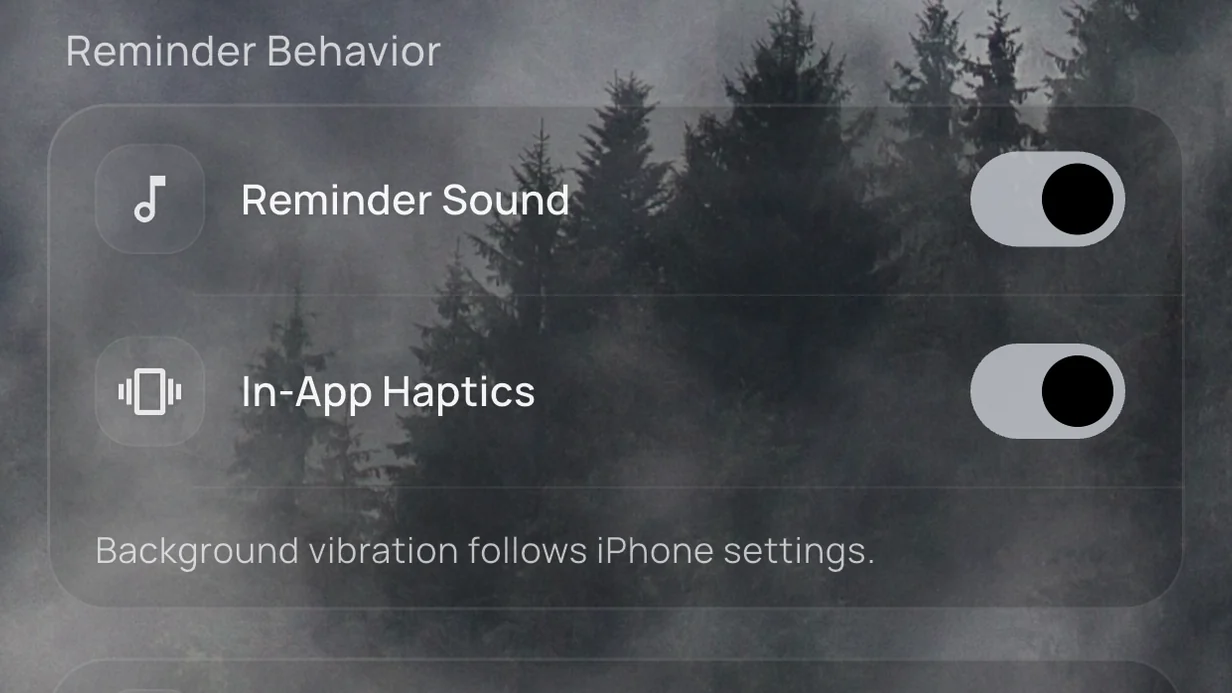
If it is missing, check the app's Live Activities setting in iPhone Settings. Also review notification settings for session-ending alerts. Live Activities and ordinary notifications are related system features with different controls.
Use Android notification controls
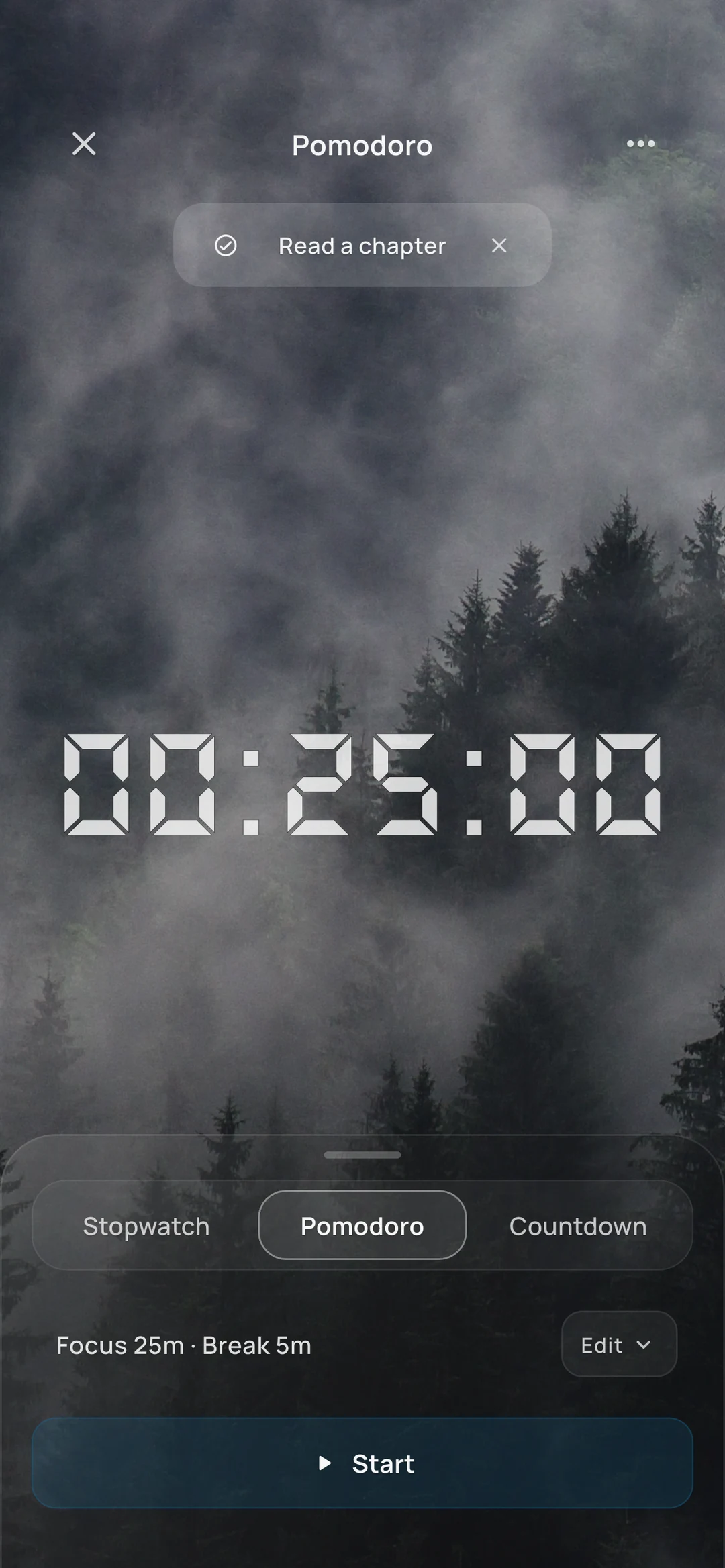
Android 8 and later can show a standard focus notification with timer controls. On newer Android versions, the timer may appear more prominently. The exact layout depends on the phone manufacturer.
Use Pause when you stop working and Resume when you return. End stops the focus session; task completion remains a separate choice in the app. When exact-alert access is unavailable, an ending reminder may be delayed even if the running timer is visible.
Keep expectations tied to the device
System layout, permissions, battery behaviour, and process restrictions affect what is available. An iPhone screenshot is not a promise that iPad, desktop, or every Android phone will show the same controls.
The in-app timer remains the place to review the full session. If a system control is unavailable, open Muntrie to manage it there.
Frequently Asked Questions
Does my iPhone need Dynamic Island?
No. Supported iPhones can use the Lock Screen Live Activity without Dynamic Island.
Are task reminders and focus controls the same notification?
No. Task reminders prompt you to return to a task. Focus controls represent a running session.
Does this guarantee the app will run forever in the background?
No. System controls do not remove operating-system process and battery restrictions.
Sources and limits
- Apple. Access features from the iPhone Lock Screen.
- Android Developers. Doze and App Standby.
These references describe platform behaviour. Muntrie's available controls depend on the supported system version and app configuration.