How to Back Up Muntrie to iCloud on iPhone
Fetch, create, and restore manual Muntrie backups with your iCloud account, including what a pending upload means.
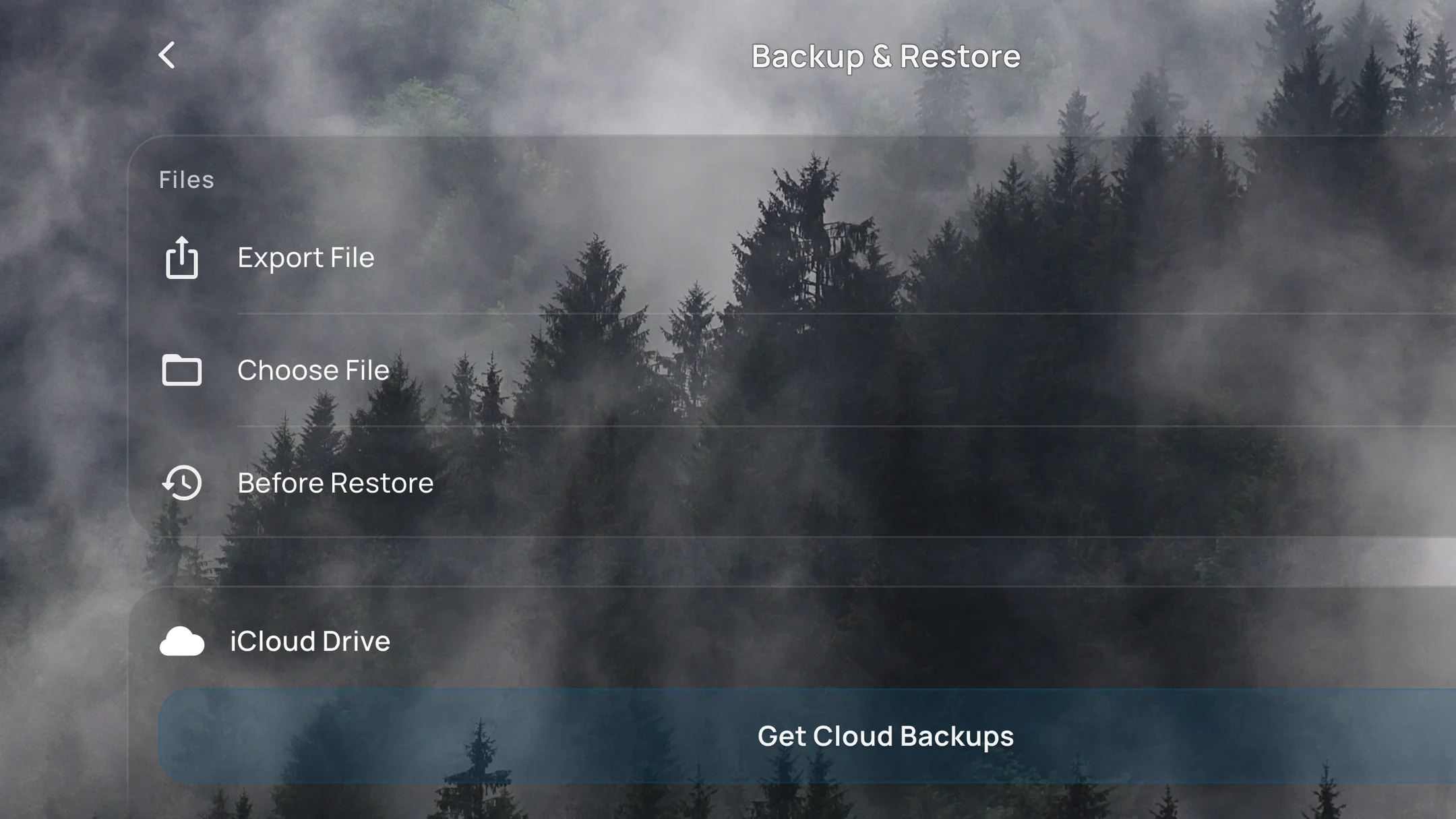
Muntrie's iCloud option saves a backup snapshot through your Apple device's iCloud account. It is a manual way to preserve records for later restore, including when you move to another supported Apple device.
Check the system account first
Make sure the device is signed into the Apple Account you intend to use and that iCloud Drive is available. Check network access and storage when the app reports a problem.
Muntrie uses the system's iCloud identity. It does not ask you to create a separate Muntrie account or enter an Apple password into a Muntrie sign-in form.
Fetch the available backups
- Open Settings → Backup & Restore.
- In the iCloud section, choose Get Cloud Backups.
- Wait for the identity check and the list.
- Check the displayed account and records before choosing another action.
Fetching the list is separate from creating a backup. Merely opening this page does not trigger a new upload.
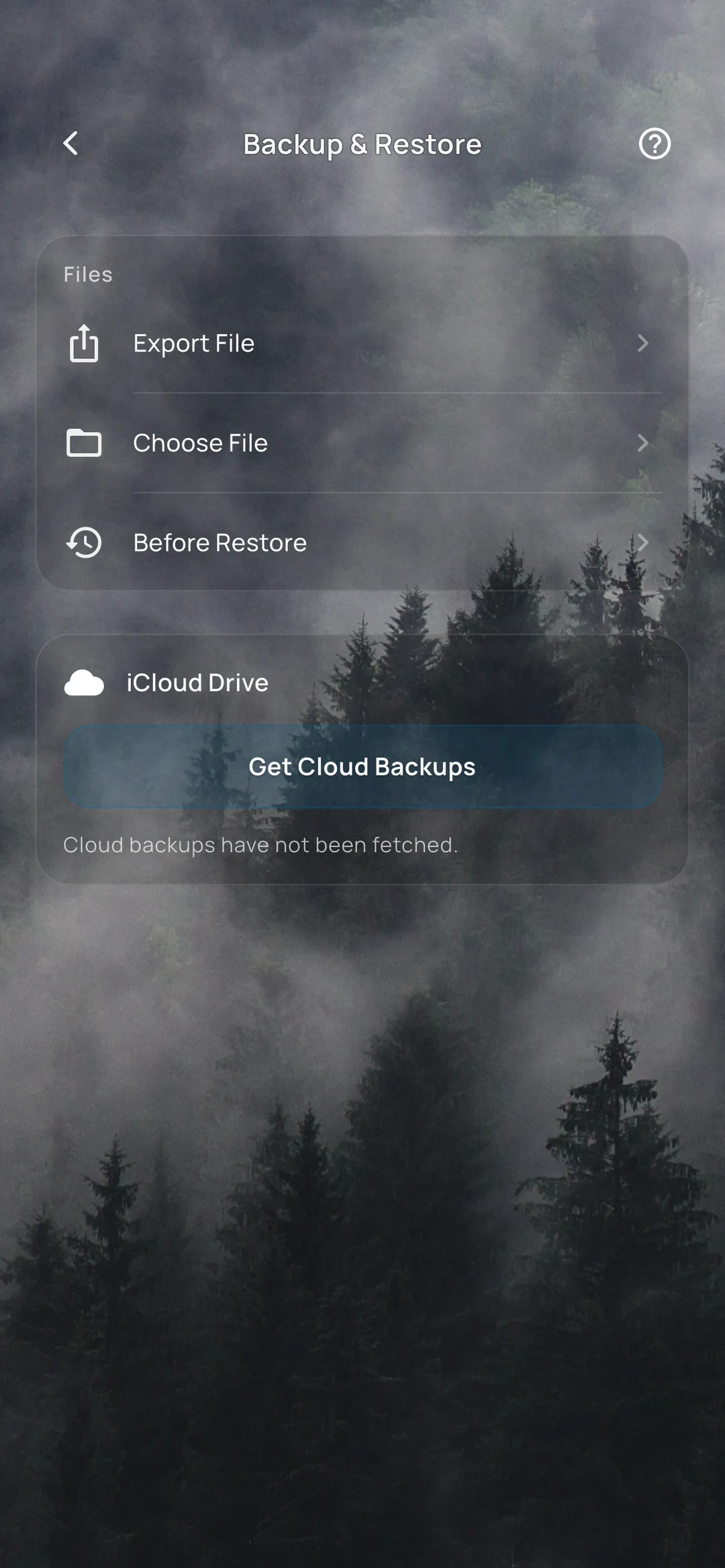
Create a backup and check its result
Choose Create Backup to start a snapshot. iCloud can first write a file locally and upload it later. A local write is not confirmation that another device can download it.
If Muntrie shows Waiting for iCloud upload or an upload result pending, use the available continuation or refresh action and check the result. Avoid erasing or trading in the old device while the only intended transfer is still unconfirmed.
Restore the intended snapshot
On the destination Apple device, use the same iCloud account and fetch the backups. Select a record, review its date and included content, and confirm restore.
The snapshot replaces included records; it does not merge independent task edits from both devices. Use the File section for a separate backup of destination records you need to keep. Before Restore contains the local protection copy made during a restore.
Frequently Asked Questions
Is this the same as automatic iCloud app sync?
No. You explicitly create and restore Muntrie snapshots. The app does not continuously merge records across devices.
Are my imported photos and audio in the iCloud snapshot?
No. The snapshot has the same media exclusion as a .muntrie file backup. Use Export Data separately for imported original files.
How do I move records to Android?
Export a .muntrie file and transfer it to the Android device, then use Choose File. Android's built-in cloud option is Google Drive.
Sources and limits
- Apple. Set up iCloud Drive.
Apple's general file-sync description does not turn Muntrie's manual snapshots into live record sync. Check the result of each backup and the list on the destination device.