MuntrieQuiet full-screen time, atmosphere, focus, and light planning.

Pomodoro + ambient sound

A Pomodoro timer with ambient sounds that stay with your session

Pair adjustable work and break intervals with a calm scene, ambient sounds, and music you choose—without switching tools mid-session.


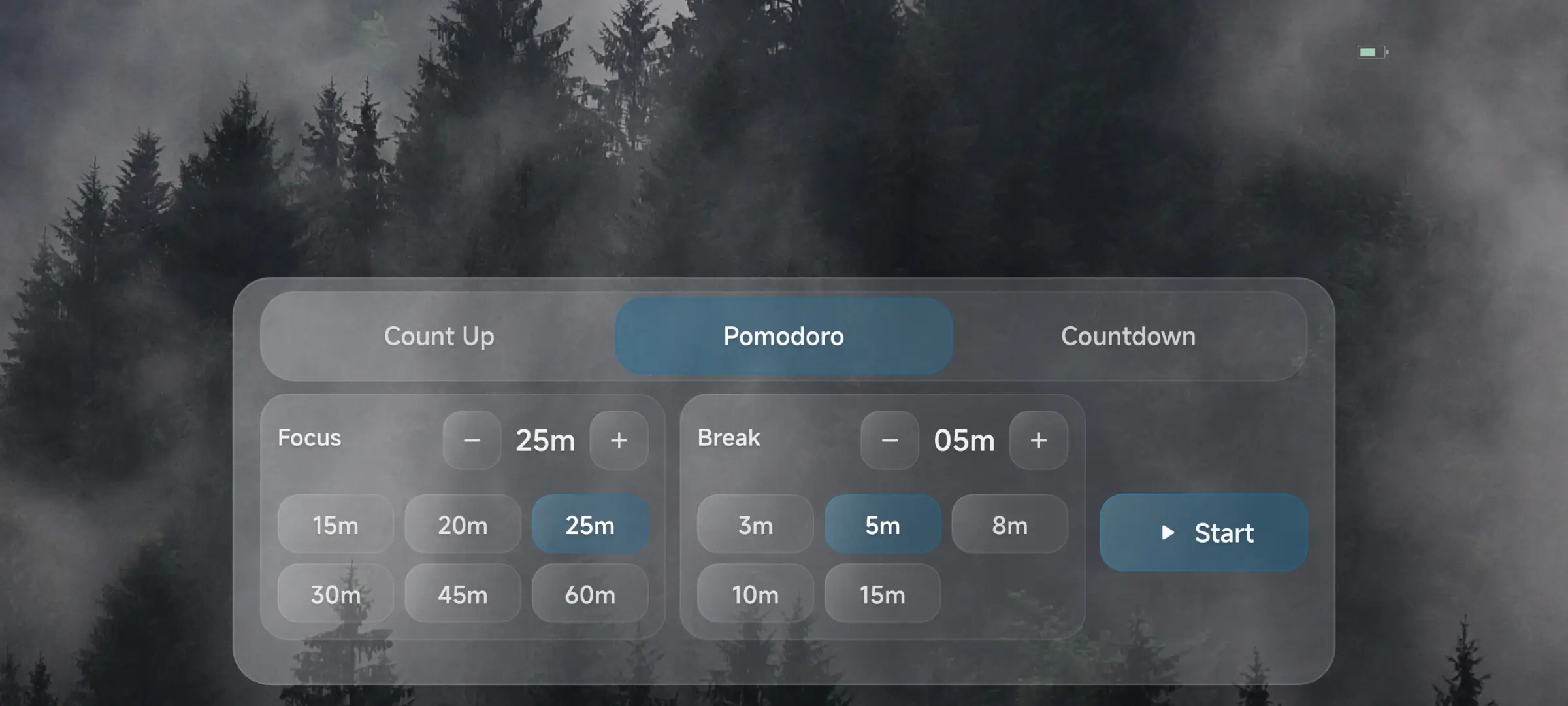
Set work and break durations, then choose the timer mode that fits this session.

Muntrie

Timer and atmosphere in one focus space

The views below show the timer setup and atmosphere mixer you use before starting a focus session.

Set work and break durations, then choose the timer mode that fits this session.
Choose the scene, ambient sounds, and music you want to keep through the session.

Start a Pomodoro session in three steps

Set the rhythm

Adjust the work and break durations for the task in front of you.

Build the atmosphere

Choose a scene, ambient sounds, and music before you start the timer.

Begin the session

Your selections remain active, and Muntrie alerts you when the interval is complete.

Three ways to keep time

Use a Pomodoro rhythm or switch to a simpler timer when the session calls for it.

Pomodoro

Alternate between adjustable work and break intervals.

Countdown

Set one duration and work until the timer reaches zero.

Count up

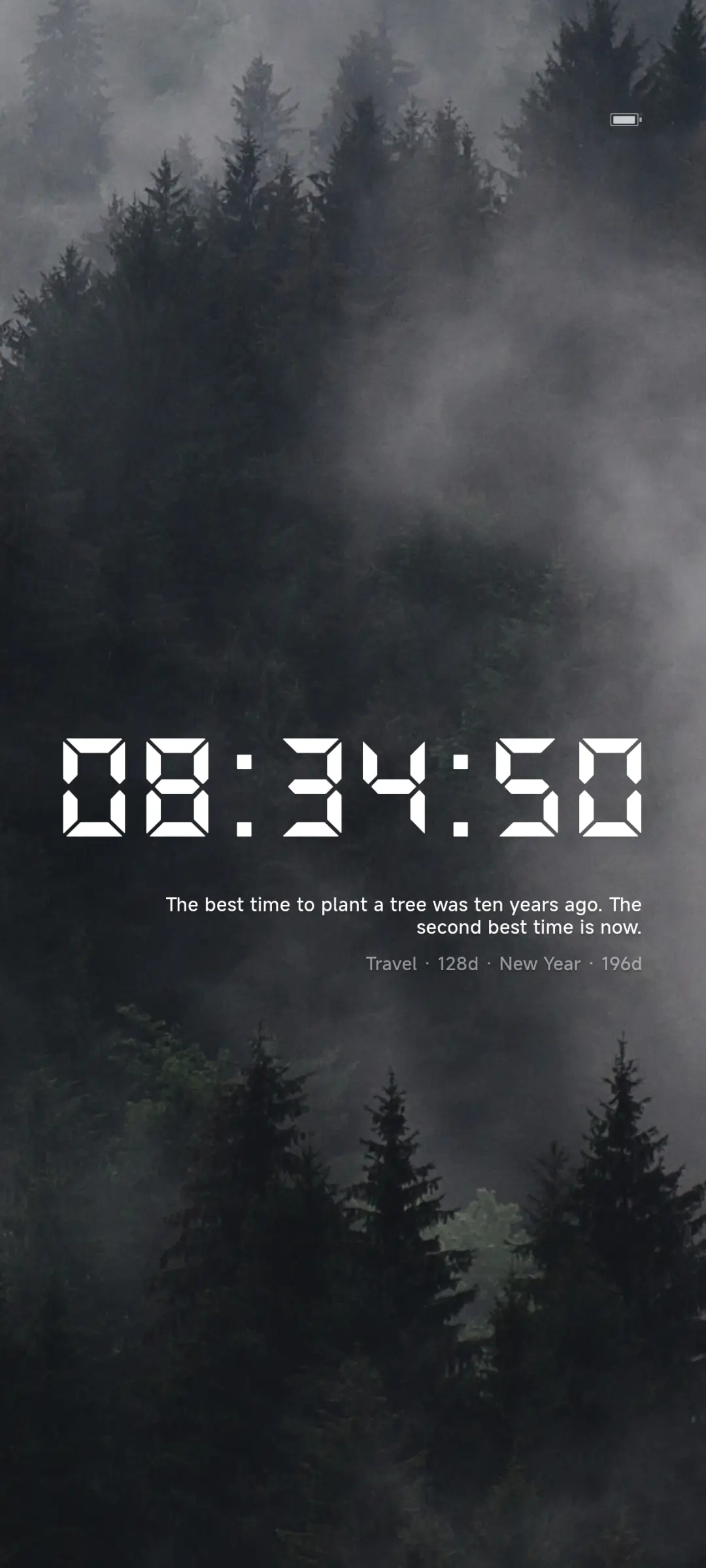
Track elapsed time from the moment you begin an open-ended session.

Made for sessions that need a steady rhythm

  • Study sprintsDivide revision into clear focus intervals with breaks between them.
  • Deep workSet the timer and atmosphere before beginning a sustained task.
  • Reading and writingKeep the same scene and sound while moving through a timed session.

What to know before you start

  • Offline boundaryThe timer and content already available on your device work offline. Resource downloads, store purchase or restore actions, and diagnostic or configuration services need a connection.
  • Completion alertsWhether you hear or see the end-of-session alert depends on your device's sound and notification settings.

No Muntrie account required

You can start a session without creating a separate Muntrie account. Any subscription you choose is managed through your device's store.

Free access and Premium options

Free access includes 60 minutes of the full Premium experience each day. Monthly and yearly Premium plans are available through your device's store for ongoing use.

Pomodoro and ambient sound questions

Can I change the work and break lengths?

Yes. You can adjust both work and break intervals before starting a Pomodoro session.

Does Muntrie support timers other than Pomodoro?

Yes. Use countdown for a fixed duration or count up when you want to track an open-ended session.

Do the sounds stop when a Pomodoro interval changes?

Your selected scene, ambient sounds, and music remain active through the session, including the change between work and break intervals.

How will I know when a focus interval ends?

Muntrie sends a completion alert, subject to your device's sound and notification settings.

Can I use the timer and sounds offline?

The timer and content available on your device work offline. Resource downloads, store and restore actions, and diagnostic or configuration services require a connection.

Do I need an account, and what access is included each day?

No Muntrie account is required. Free access includes 60 minutes of full Premium each day, with monthly and yearly plans available for ongoing use.

Set the rhythm, choose the atmosphere, and begin

Build a Pomodoro session around the task at hand, then let the timer and sound stay together until the interval is done.

Download