How to Use Muntrie’s Mood and Task Widgets
Add Home Screen widgets for daily mood and tasks, use quick entry points, and understand platform and refresh differences.
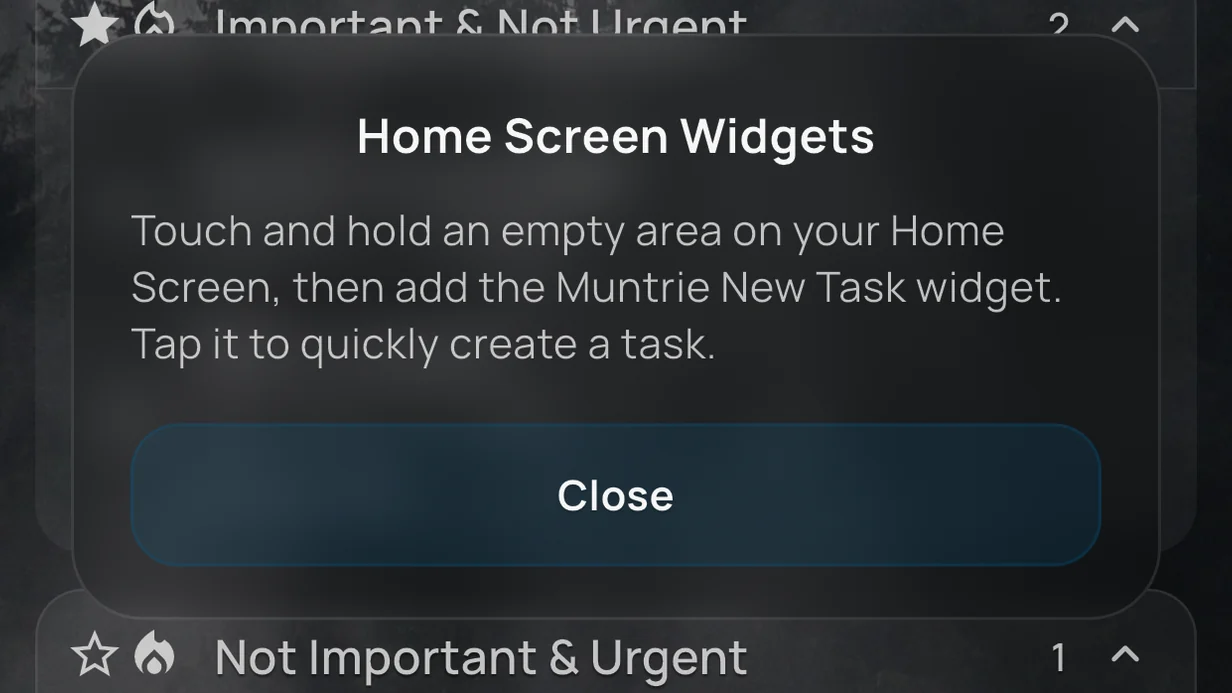
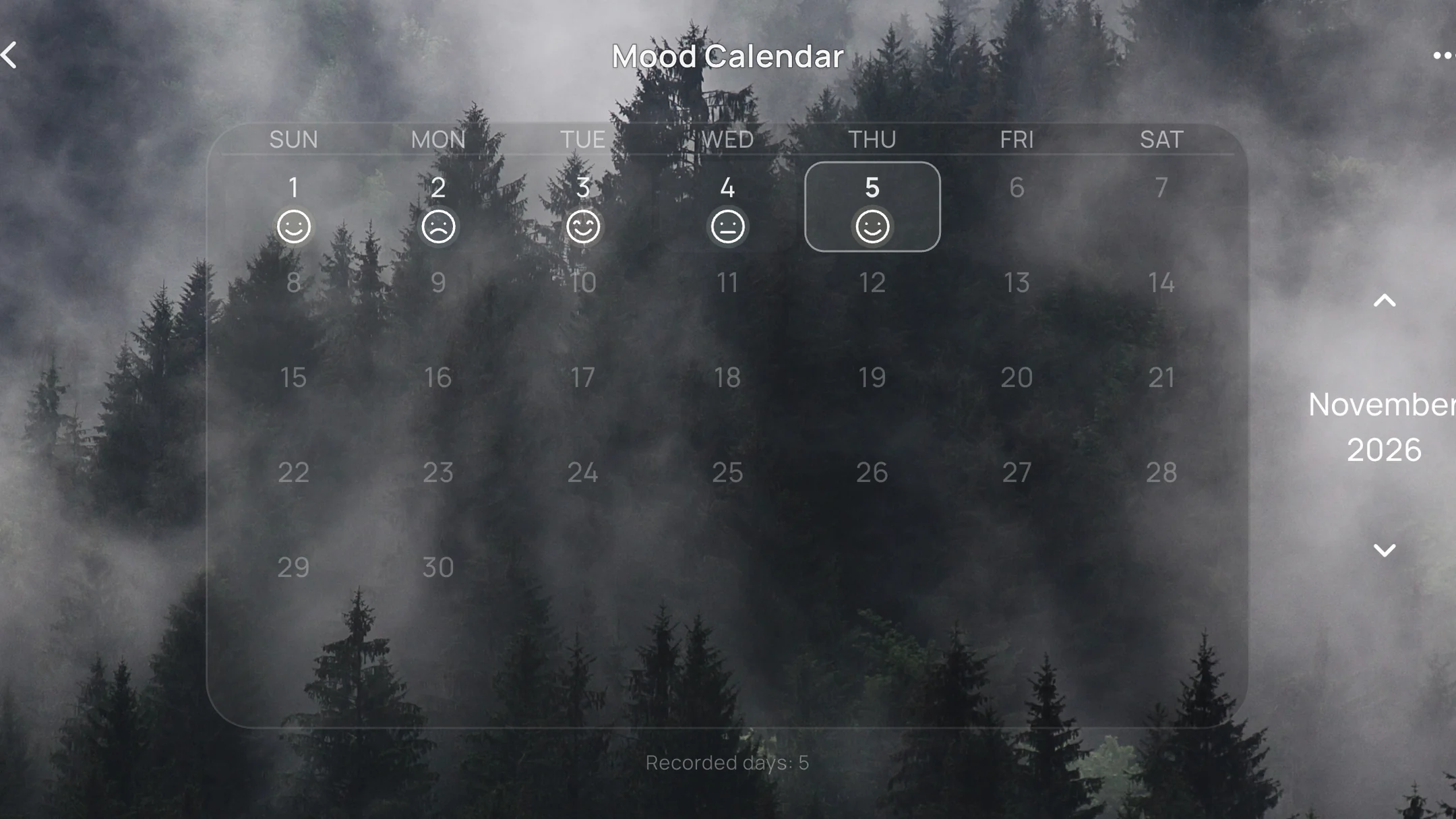
A Home Screen widget puts a small part of Muntrie near your other daily tools. Use Daily Mood for a quick record and New Task as a shortcut to capture new work.
Add a widget on iPhone
- Open Muntrie at least once after installation.
- Touch and hold an empty area of the iPhone Home Screen to enter editing mode.
- Open the widget gallery and search for Muntrie.
- Choose Daily Mood or New Task and an available size, then add it.
Apple can change the names and placement of these system controls between iOS versions. Use the widget gallery on your phone as the final guide to the available sizes.
Add a widget on Android
Touch and hold an empty area of the Home Screen, open Widgets, and find Muntrie. Place an available widget where you want it. The launcher controls resizing and placement, so two Android phones may present different options.
If the gallery has not updated after installing or updating the app, open Muntrie and check again. A widget is provided by the installed app, not downloaded from the website.
Record a mood or capture a task
Choose a mood through the Daily Mood widget's available controls. On iPhone, iOS 17 and later support in-place mood recording; older supported versions use an app entry point. The date keeps your latest deliberate choice.
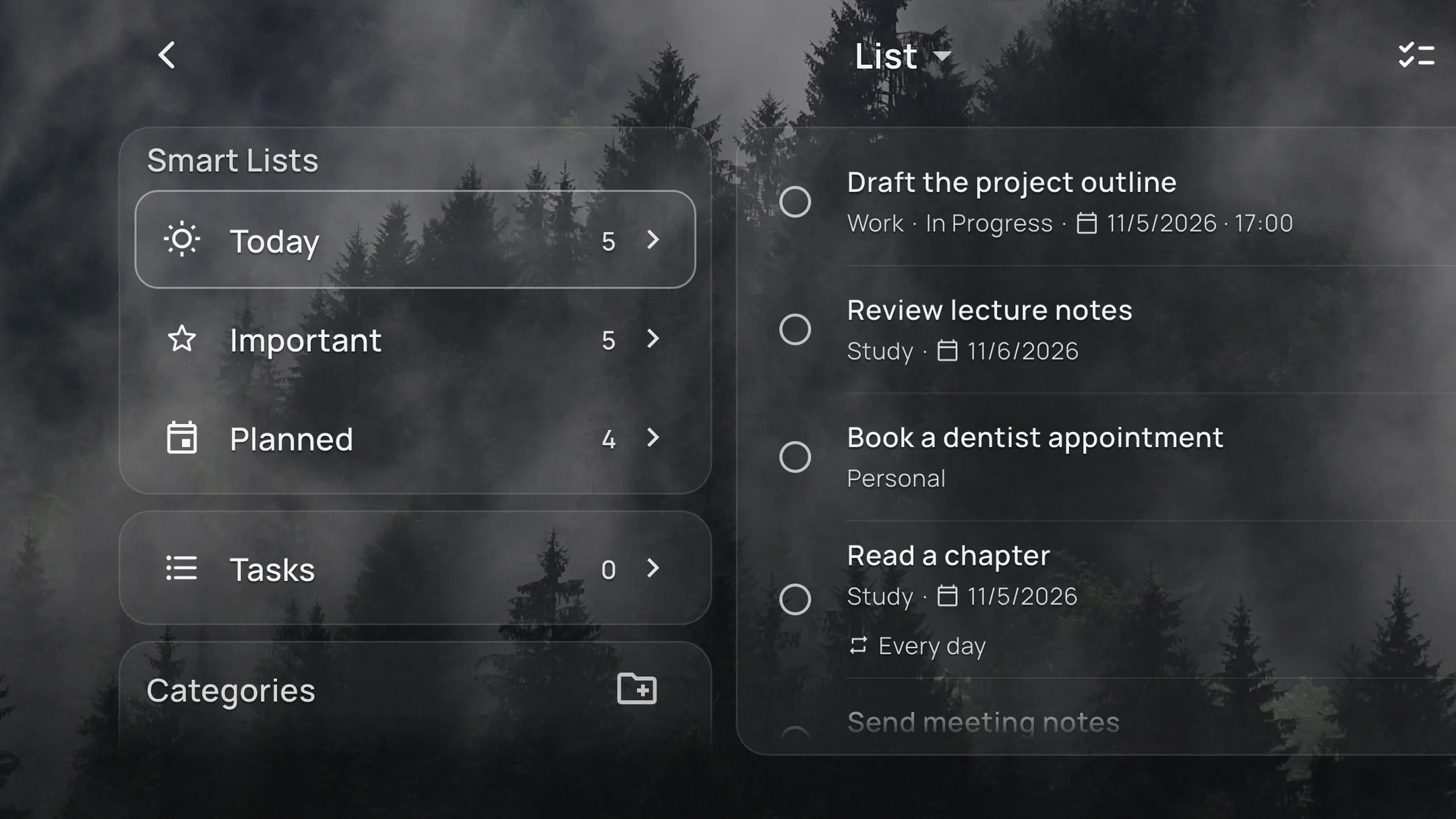
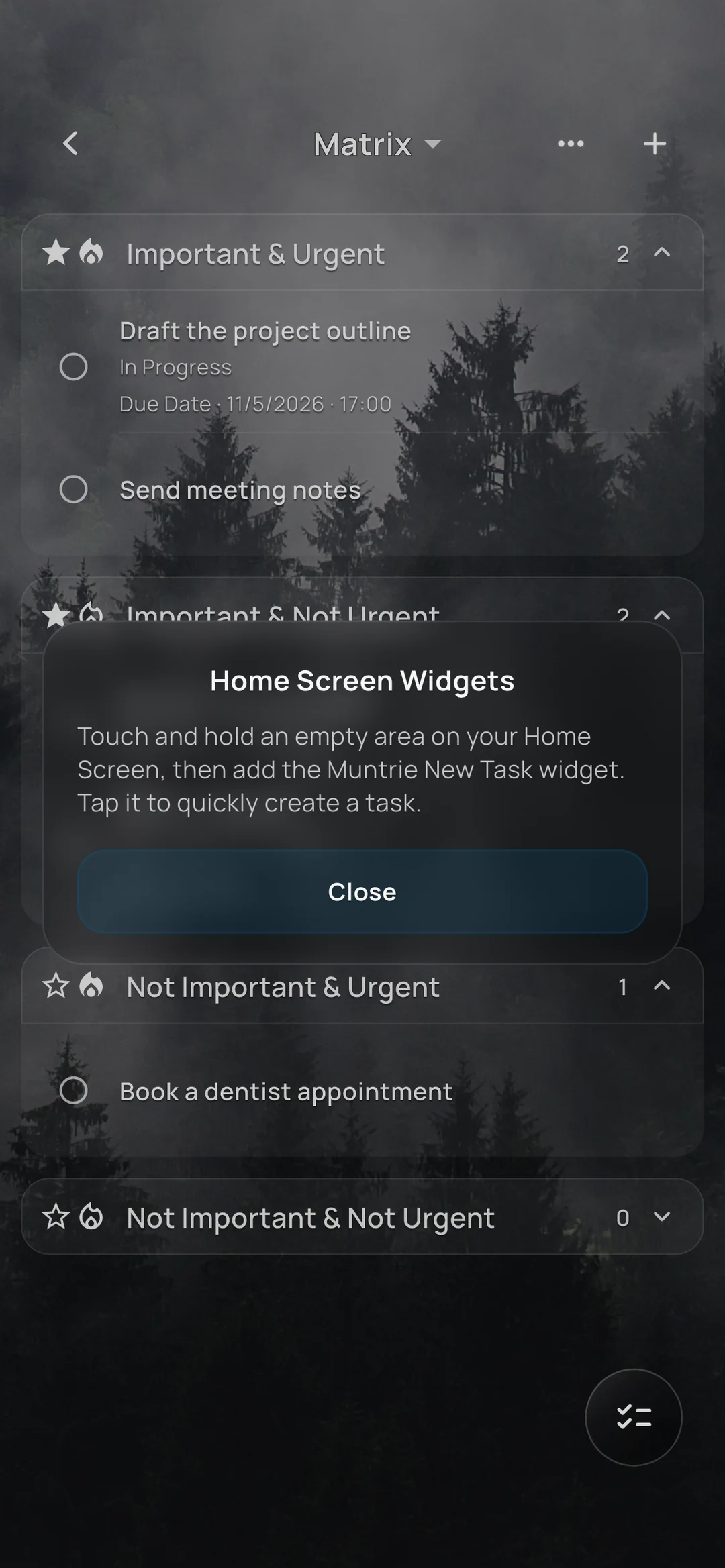
Tap New Task to open task capture. Review and save the task in the app. The saved task is available through List, Board, and Matrix.
Understand the smaller surface
Widgets use static image backgrounds and system-managed refresh. They are not the full-screen focus stage, an always-running timer surface, or animated video wallpaper.
Choose an available size that fits your Home Screen. Open the app for full editing, calendar review, and detailed controls. If displayed information looks old, check the current record inside Muntrie before making another change.
Frequently Asked Questions
Do I need a Muntrie account for widgets?
No. They work with the app's local records.
Will every phone have the same sizes and buttons?
No. Available interaction, layout, and refresh depend on iOS, Android, and the launcher.
Does removing a widget delete my tasks or mood records?
Removing a Home Screen widget removes that system surface. Manage the underlying records in Muntrie.
Sources and limits
- Apple. How to add and edit widgets on iPhone.
- Google. Add apps, shortcuts, and widgets to Home screens.
System instructions can vary with the installed OS and launcher. Use the actual widget gallery to confirm what your device supports.